The Insta360 X6 ships with 64GB of built-in storage, so you can start shooting right out of the box. Switch to 8K 50fps 360° and that internal space fills up in 30–40 minutes. Now you need a microSD card. And the X6 is pickier about memory cards than most action cameras: pick the wrong one and you'll get dropped frames mid-clip — or, worse, corrupted files that won't open anywhere. I tested cards on the X5 and X6, cross-checked against Insta360's own compatibility docs, and bought a counterfeit so you don't have to. Here's the whole picture.
- The four hard requirements every X6 card must meet (UHS-I, V30, exFAT)
- All 7 SanDisk cards Insta360 has officially tested
- Real recording times for 128 / 256 / 512GB at 8K, 6K and flat 4K
- The capacity sweet spot that matches the X6's 140-minute battery life
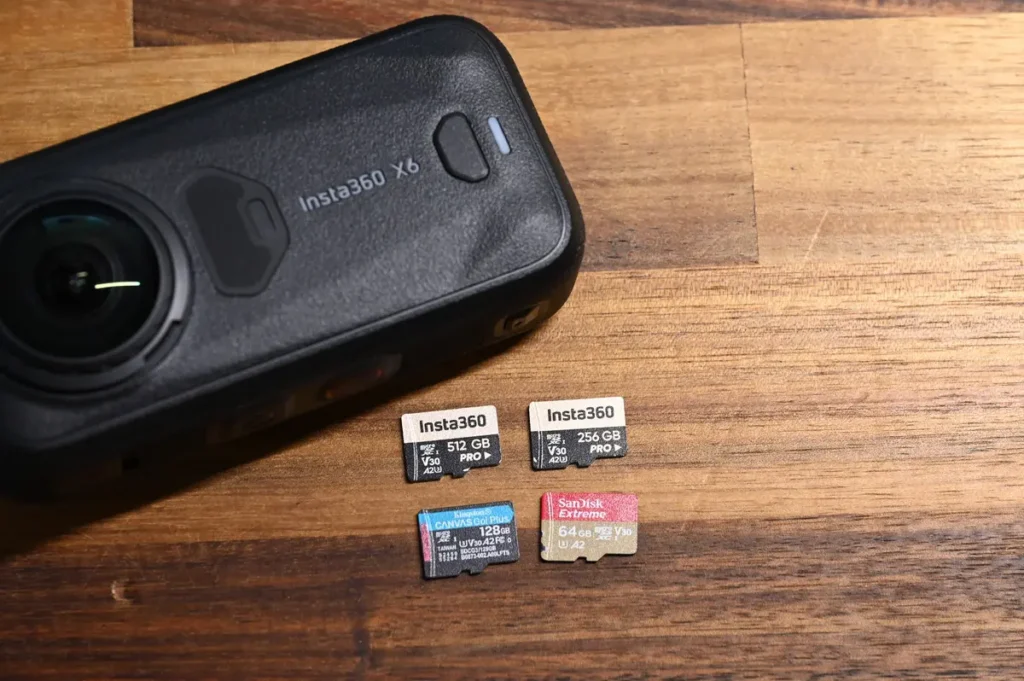
The 4 Hard Requirements for an X6 Memory Card
Four specs, and they're non-negotiable. Skip one and the X6 will let you know — usually by stopping mid-record without warning.
- Speed class: UHS-I V30 or higher (minimum 30MB/s sustained write)
- File format: exFAT
- Interface: UHS-I (single row of pins on the back)
- Max capacity: 1TB
⚠️ Two Traps That Bite Almost Everyone
1. The cheap SanDisk Ultra won't work
Ultra is rated U1 / Class 10, which means 10MB/s write — well under the V30 30MB/s floor. Record 8K and the card cuts out within minutes. Most people see “SanDisk” on the label and grab whatever's cheapest on the shelf. What you actually need is the Extreme or Extreme Pro line; those are the ones with V30 stamped on them.
2. V60 / V90 “faster” cards also won't work
I know, it sounds backward. V60 and V90 cards almost always use the UHS-II interface (two rows of pins on the back), and the X6 slot only supports UHS-I. Pop one in and you'll either get a “card not detected” error or the camera silently stops recording halfway through. Counterintuitive, I know — but skip the speed trap.
Insta360's Officially Tested & Approved Card List
Below are the microSD cards Insta360 has actually lab-tested and confirmed as compatible in the X6 manual. Buy from this list and you skip the guessing game.
| Card Model | Capacity | Speed Class | App Performance | Model Number |
|---|---|---|---|---|
| SanDisk Extreme V30 A1 | 32GB | V30 | A1 | SDSQXVF-032G-GN6MA |
| SanDisk Extreme Pro V30 A1 | 32GB | V30 | A1 | SDSQXCG-032G-GN6MA |
| SanDisk Extreme Pro V30 A1 | 64GB | V30 | A1 | SDSQXCG-064G-GN6MA |
| SanDisk Extreme V30 A1 | 128GB | V30 | A1 | SDSQXAF-128G-GN6MA |
| SanDisk Extreme V30 A2 | 256GB | V30 | A2 | SDSQXA1-256G-ZN6MA |
| SanDisk Extreme Pro V30 A2 | 1TB | V30 | A2 | SDSQXCZ-1T00-ZN6MA |
Look at the list. Every single card is SanDisk, and every one is V30. Insta360 didn't pick favorites — they picked what their lab actually validated. V60 and V90 cards aren't on it because of that UHS-II mismatch from the warning box above. If you don't want to memorize model numbers, the simplest rule is: grab any “SanDisk Extreme” or “SanDisk Extreme Pro” with the V30 mark on the front. You can't go wrong.
Which Capacity Should You Get? Real X6 Recording Times
Most-asked question after “is V30 enough?” is “how much can I actually record?” I put each of these cards in an X6, hit record, and read the on-screen counter. (Static scenes compress harder than busy ones, so treat these as floor numbers — your real-world times will land somewhere in the same range, give or take.)
| Recording Mode | 128GB | 256GB | 512GB |
|---|---|---|---|
| 8K 50fps (360°) | 1h 25m | 2h 52m | 5h 53m |
| 8K 30fps (360°) | 2h 04m | 4h 10m | 8h 33m |
| 6K 30fps (360°) | 3h 19m | 6h 42m | 13h |
| Flat 4K 60fps (Vlog) | 3h 06m | 6h 16m | 12h |
Three things jump out from that table:
64GB is discontinued — 128GB is the new entry point
Insta360's own microSD lineup only goes up to 512GB now. 64GB has been quietly dropped. On the X6, 128GB tops out at 1h 25m of 8K 50fps and just 2 hours of 8K 30fps — less than the X6's 140-minute battery. Card runs out before the camera does.
Battery vs. card: finding the capacity sweet spot
The X6 conks out after 140 minutes of continuous 8K 30fps. Run those card numbers through the same window:
| Capacity | 8K30 Recording Time | ≈ Battery Cycles | Verdict |
|---|---|---|---|
| 128GB | 2h 04m | 0.9 cycles | Card fills first |
| 256GB | 4h 10m | 1.7 cycles | Sweet spot |
| 512GB | 8h 33m | 3.5 cycles | Plenty of headroom |
That's why Insta360 recommends “at least 256GB” for 8K and long-form recording. 256GB is the first capacity where the card won't fill up before you have to swap a battery. Stretch the budget further and 512GB is the most comfortable option.
SD cards lose about 10% of their advertised capacity
This is just how microSD cards work — not a defect. The 512GB on the label is calculated in base-10, the card formats in base-2, and you end up with about 90% of the advertised number.
How Each Capacity Actually Feels in Real Use
Numbers are great. Here's what each capacity is actually like to live with.
512GB — the “tank” for long-haul shooters
8K 30fps fits 8.5 hours of footage, which is about 3.5 battery cycles. Flat Vlog mode stretches to 12 hours. You could shoot an entire year of material without thinking about it. For long overseas trips, motorcycle road trips, weddings, or event coverage where you just don't want to swap cards mid-day — 512GB is the most relaxing choice.
One catch. Too much space makes you lazy about editing. I ran 512GB on two-month trips through Nepal and New Zealand and still had leftover space when I got home. Then I spent the better part of a week trying to organize everything. With 256GB I trim and back up more often, which honestly is the healthier workflow. If you really want to go nuclear, the SanDisk Extreme 1TB (model SDSQXAV-1T00-GN6MN) is also on the table — 190/130MB/s read/write is hard to argue with.
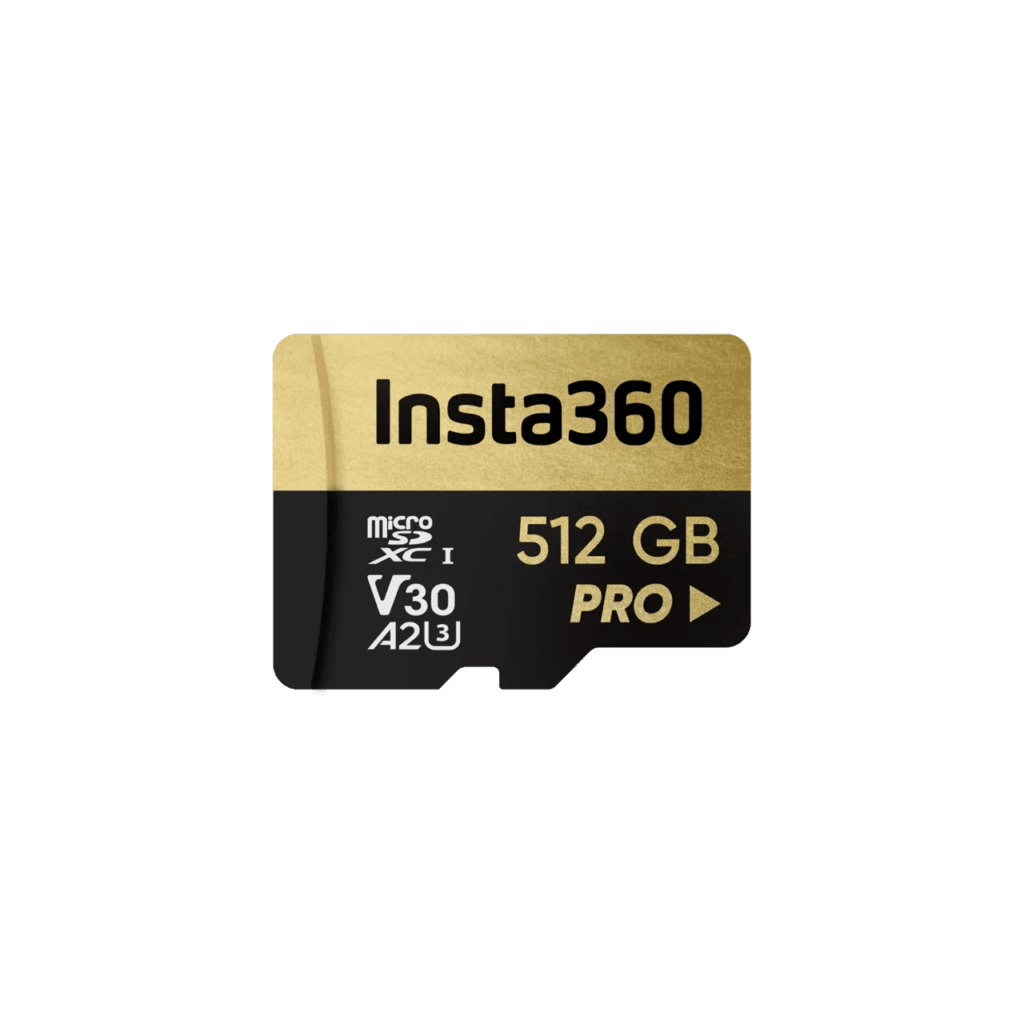
Insta360 512GB microSD Card
$139.99 USD · ships in 2 days
Insta360's own branded card, validated against the X6. Ships in 2 business days. The pick if you'd rather not think about compatibility at all.
256GB — the sweet spot most people should buy
256GB was the most popular pick on the X4 and X5, and that hasn't changed with the X6. 4h 10m of 8K 30fps covers a full day of shooting; a week-long trip or outdoor event fits comfortably. The bonus is that 256GB forces a habit — you back up, you trim, you don't end up with 50 hours of footage you'll “edit later.”
Watch out if you leave the camera rolling. Motorcycle tourers, skiers who keep the X6 powered on between runs, anyone shooting continuous all-day content — 4h 10m of 8K 30fps is borderline. You'll run out before sunset, especially if you forget to power down during breaks. In that case, skip this section and go straight to 512GB.
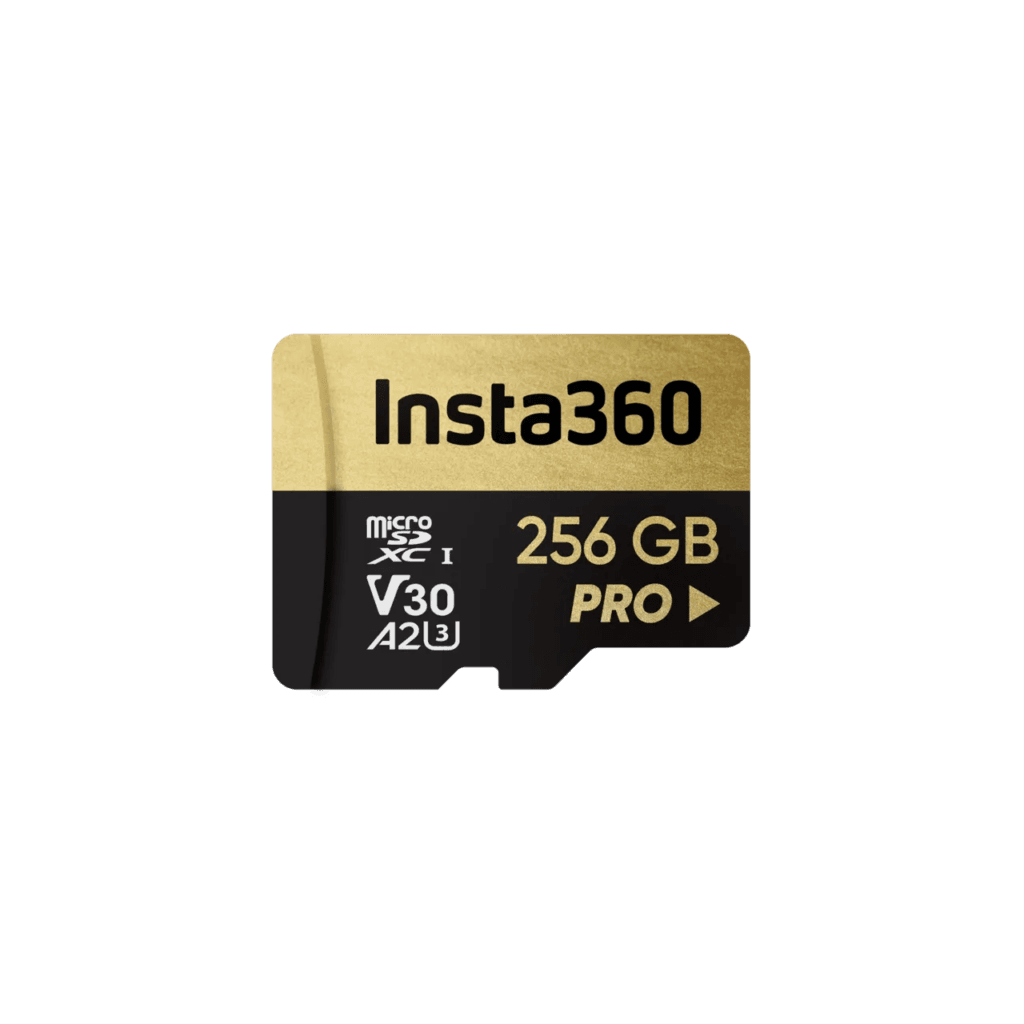
Insta360 256GB microSD Card
$89.9 USD · ships in 2 days
Insta360-branded card with stable read/write, validated for compatibility and endurance. The best balance of price, capacity and reliability for the X6.
128GB — fine for an overnight, tight after that
128GB at 8K 30fps only holds 2h 04m. The card runs out 16 minutes before the battery does (140 vs 124). That mismatch is brutal for any real shoot — you think you've got room, you don't.
An overnight trip is survivable if you're OK deleting or offloading in between takes. 128GB in 2026 is “just barely enough.” If you can afford 256GB, don't settle. That said, 128GB still earns its place as a backup card or for casual weekend use.
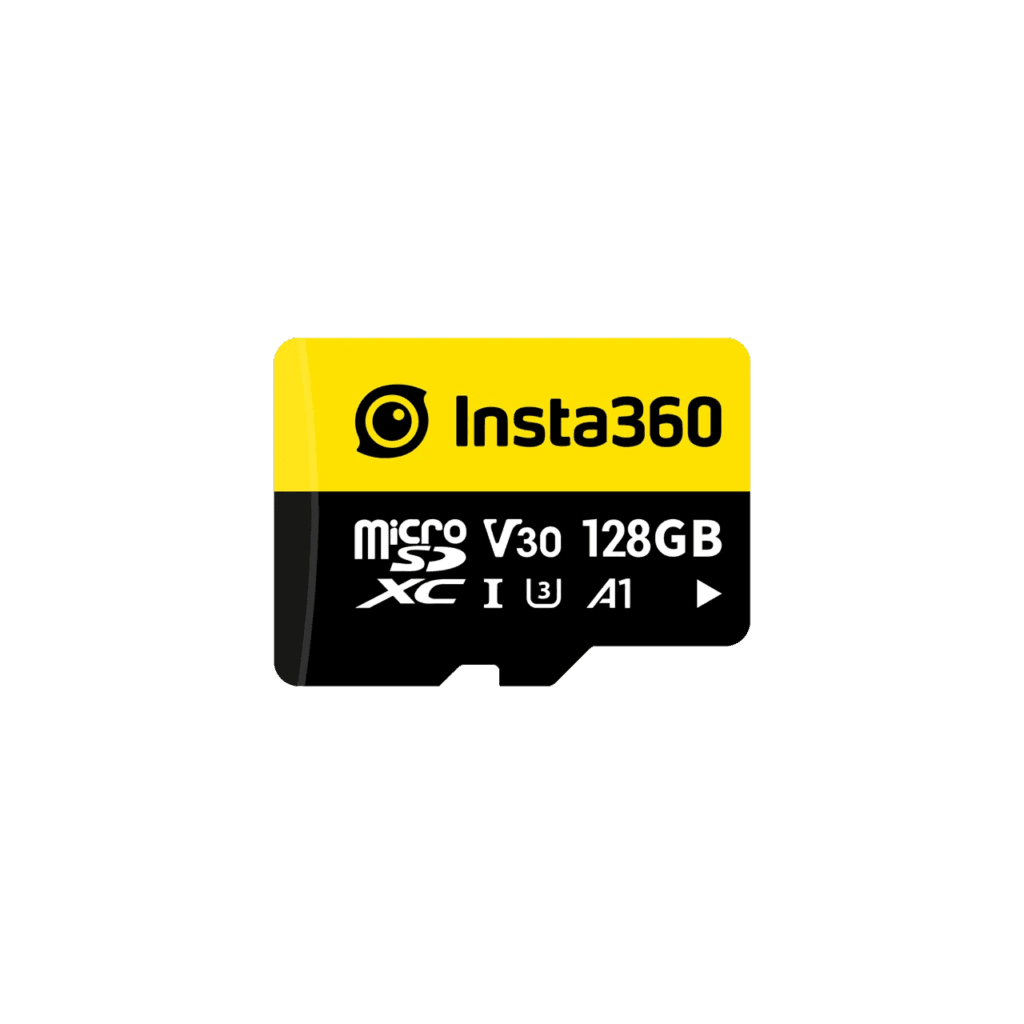
Insta360 128GB microSD Card
$59.9 USD · ships in 2 days
Insta360-branded card, validated for the X6. Ships in 2 business days.
The Counterfeit Trap + A $10 Card That Wrecked My Footage
Read this last. It's the part I wish someone had told me before my first Insta360 buy.
SanDisk is the #1 target for counterfeiters.
Insta360 officially recommends SanDisk, which is also why SanDisk is the most faked card brand on Amazon, eBay, and AliExpress. How to spot a fake:
- Look for the “Sold by SanDisk.com” or “Ships from Amazon” tag on the listing — never random third-party sellers
- Buy from Amazon direct, Best Buy, B&H, or the manufacturer's own storefront
- If a 128GB Extreme is priced more than 30% below the going rate, it's a fake
- Verify the serial number on the card through SanDisk's official warranty checker when it arrives
Risk-free option: buy the 256GB card straight from the Insta360 official store. It costs more, but you get a card they've actually validated against the X6. Zero lottery-ticket energy required.
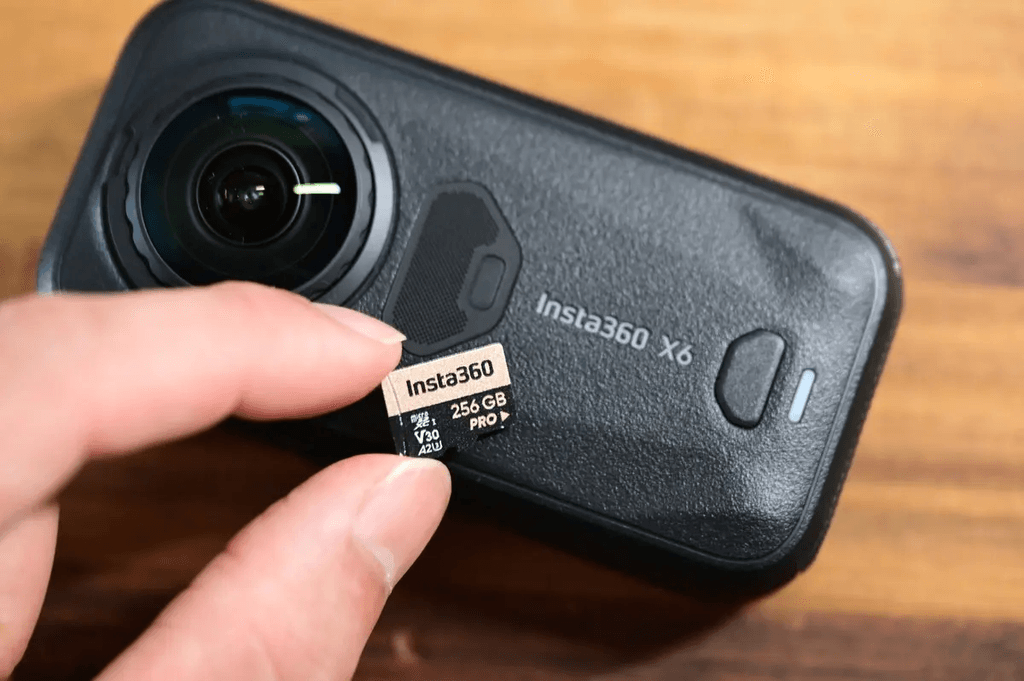
My own disaster: a $10 no-name card that died in six months.
Took a gamble on a 256GB no-name card a few years back. Price was about a third of a SanDisk Extreme. Listing said “Insta360 compatible, tested and approved.” First month? Fine. Then:
- Month 1: occasional recording drops, getting more frequent
- Month 3: card stopped being detected without multiple reseating attempts
- Month 6: total failure — no recovery, no data rescue
Only thing that saved me was packing a second card. Without it, that two-month trip would have been half-gone, and no recovery service was going to get those files back. Don't be me. SD cards are the worst place to save $30.
Card Care: Format Regularly or Die Early
8K high-bitrate recording hammers your microSD a lot harder than typical point-and-shoot use. Three habits will keep the card alive longer:
- Format regularly — every 1–2 months, format through the X6 or the Insta360 app. This clears out sector fragmentation and keeps write speeds consistent.
- Back up the same day you shoot — transfer footage to your phone or laptop the same day. Never use the SD card as long-term storage.
- Power off before removing the card — pulling a card while the X6 is on can corrupt the current file, and in worst cases brick the card entirely.
Format to exFAT with the default allocation unit size. If you formatted on a laptop first, run one more format through the X6 before you start using it — that's how you make sure the filesystem is properly aligned with the camera.
FAQ: Common X6 Memory Card Questions
Q1 Will a V60 or V90 card work in the X6? +
Q2 What's the maximum card capacity the X6 supports? +
SDSQXCZ-1T00-ZN6MA).Q3 Can I still buy a 64GB card for the X6? +
Q4 Can I use cards from other brands like Lexar, Samsung, or Kingston? +
Q5 How long does a memory card last? Should I replace it regularly? +
Bottom Line: The X6 Memory Card Checklist
Follow this and you can't go wrong
- ✓Speed class: UHS-I V30 (Ultra U1 won't work, V60 / V90 also won't work)
- ✓File format: exFAT
- ✓Interface: UHS-I, single row of pins
- ✓Capacity: 256GB is the sweet spot; 512GB for long-haul travel
- ✓Brand: SanDisk Extreme / Extreme Pro V30, buy from authorized sellers to avoid fakes
- ✓Care: format every 1–2 months, back up footage the same day you shoot
Run through that checklist and the X6 will record 8K 50fps without a single dropped frame. One last thing the checklist can't capture: format through the X6, not your laptop. The camera's filesystem alignment is the kind of detail that's easy to miss until footage starts corrupting. For more picks, see the full Insta360 X6 accessories guide.
Insta360 256GB microSD Card
$89.9 USD · ships in 2 days
Insta360-branded card with stable read/write, validated for compatibility and endurance. The best balance of price, capacity and reliability for the X6.
Buy Insta360 Cameras Through Our Exclusive Link
and Get Free Accessories 🎁
The X6 and the new Luna Ultra are currently available with limited-time offers. Purchase directly from the official Insta360 store and enjoy fast shipping, so you can start shooting as soon as your camera arrives.
How to Use the Insta360 Discount Code
Click below to copy your exclusive Insta360 discount code:
Promotions, free gifts, and discount eligibility may change without notice. Please confirm that the offer has been successfully applied before completing checkout.