
Insta360 GO Ultra Stress Test: Overheating, Battery Life, and Passthrough Power

Through this review you can learn
  • Does the GO Ultra overheat?
  • Can You Record While Charging? The Truth About the GO Ultra
  • Black vs. White: Does Color Affect Overheating? (Surprising Results)
  • The MUST-HAVE Accessory for Unlimited Battery Life & Cooling
  • Overheating Fix! 5 Pro Tips to Keep Your GO Ultra Cool
Category

Conclusion: The Insta360 GO Ultra does not easily overheat

In short, the GO Ultra performs remarkably well during 4K 30fps recording with no significant overheating issues. To see exactly how it handles the heat, I conducted a stress test under high-load conditions.

Test Methodology & Real-World Conditions

I initiated the verification under the following conditions. GO Ultra Real-world testing to see if it overheats during recording. Shooting parameter settings are the most frequently used and also the most demanding on the system. 4K picture quality + HDR enabledThe

Testing under these intensive conditions reveals how the camera actually performs in the field

  • 4K 30fps with HDR enabled
  • Room temperature 21℃, 26℃
  • No wind
  • No charging
  • Add camera to Action Pod
  • Camera Battery 100%
settingsequipmentActual measurement resultsRecording Time
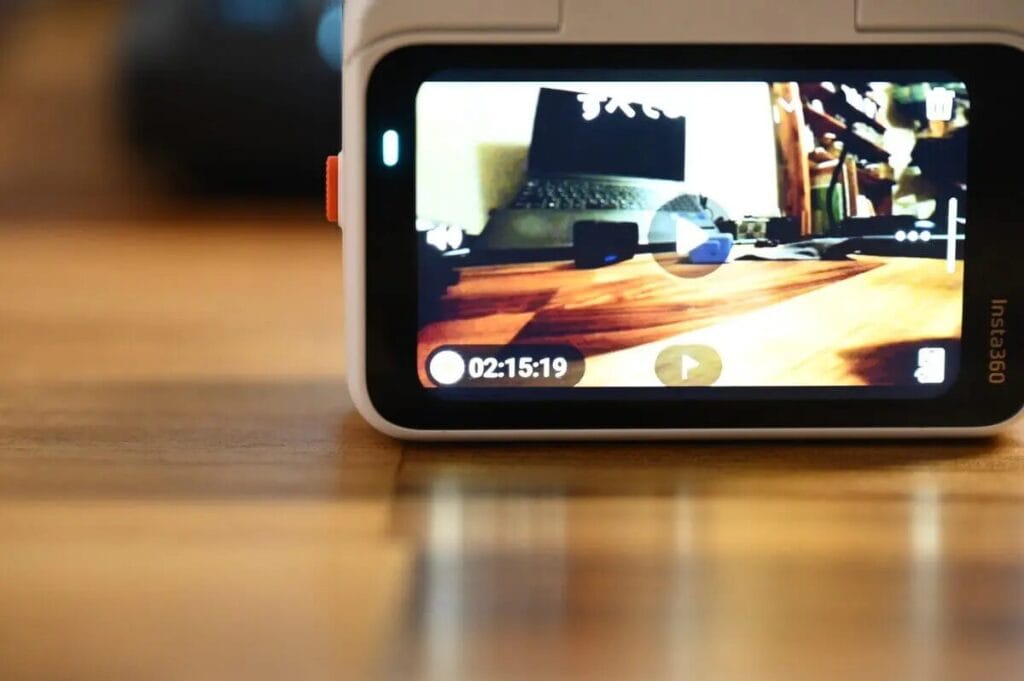
4K30fps (room temperature 21℃)GO Ultra + Action PodNormal operation, no heat generation2 hours 15 minutes 19 seconds (135 minutes)
4K30fps (room temperature 26℃)GO Ultra + Action PodNormal operation, no heat generation2 hours 17 minutes 46 seconds (137 minutes)

The test was recorded for over 135 minutes until the battery was depleted, GO Ultra There was absolutely no interruption due to overheating.The situation.

Although the official specifications state a maximum battery life of 170 minutes in 4K/30fps mode, the power-saving mode was deliberately disabled for this test to avoid overheating the system. Even under such high load, the GO Ultra still completed the entire test stably.

Standalone Mode Performance (Action Pod Removed)

Next, I will GO Ultra We conducted a standalone recording test after removing the GO Ultra from the Action Pod. Theoretically, when the GO Ultra is placed in the Action Pod, the increased surface area should help with heat dissipation; however, standalone mode after detaching from the Action Pod presents a greater challenge for heat dissipation.

Single-device recording performance in 4K 30fps + HDR mode: Although the Action Pod is missing for heat dissipation, The GO Ultra successfully passed the test without any downtime due to overheating.The

Towards the end of the recording session, the camera body did get noticeably warm, but it remained well within safe limits. This proves that even in standalone mode with the smallest heat dissipation area, the GO Ultra can easily handle high-quality shooting.

settingsActual measurement resultsRecording Time
4K 30fps (single camera)Normal operation, slightly warm45 minutes and 13 seconds

This test proved that:The Insta360 GO Ultra doesn't capture any heat at all during normal 4K shooting! Although the camera body will get warm after recording for a long time (to the point of feeling warm to the touch), there is no need to worry in normal environments. The only thing to note is that if you plan to record at midday in the hot summer sun, the high temperature may cause it to shut down due to the protection mechanism.

Using GO Ultra While chargingRecording

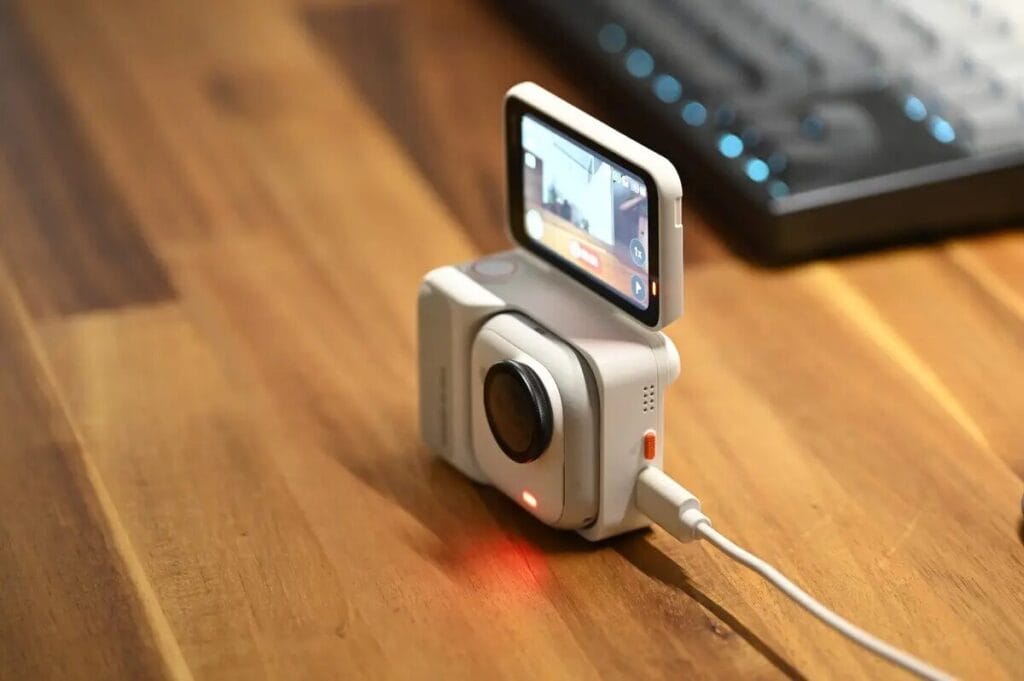
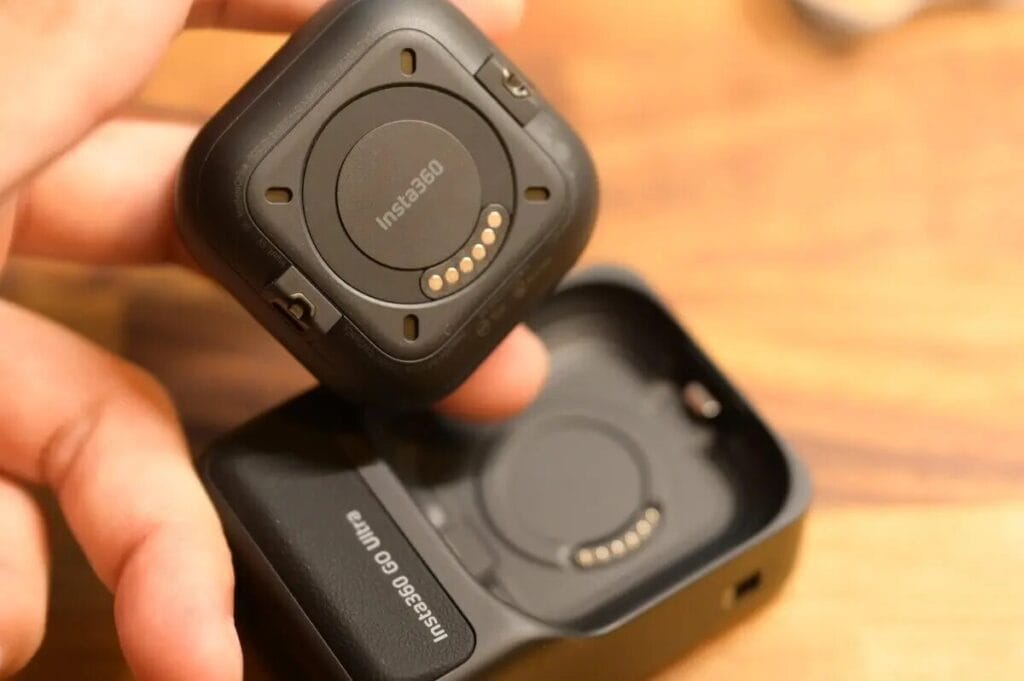
The Insta360 GO Ultra supports "recording while charging". Simply place the camera unit inside the Action Pod, and power will be transferred to the pod via USB, then further powering the camera. This power supply design allows for continuous recording without interruption while charging.

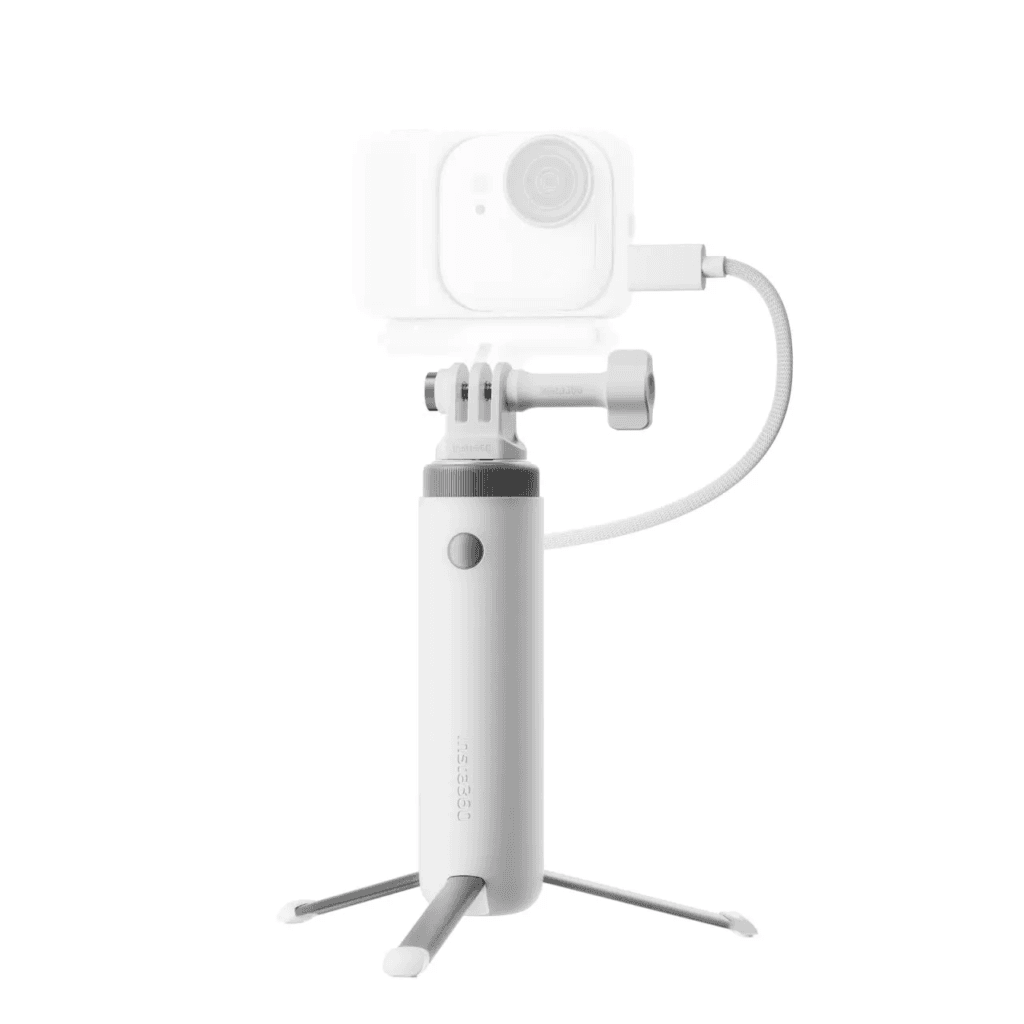
If you want to shoot and record simultaneously with a single camera, you'll need to purchase an additional device.First-person view pre-recorded battery life packageThis accessory magnetically attaches to a single camera and allows the camera to charge and record simultaneously via an external power source connected to the USB Type-C port on the side of the base.

GO Ultra First-Person Pre-Recording Battery Life Package

Does Simultaneous Charging and Recording Lead to Overheating?

Will recording while charging cause overheating? 4K 30fps We conducted a real-world test of recording while charging. The results showed that the Insta360 GO Ultra performed extremely stably, with no instances of overheating (overheating) or shutdown.

Test Methodology & Real-World ConditionsRecording Time
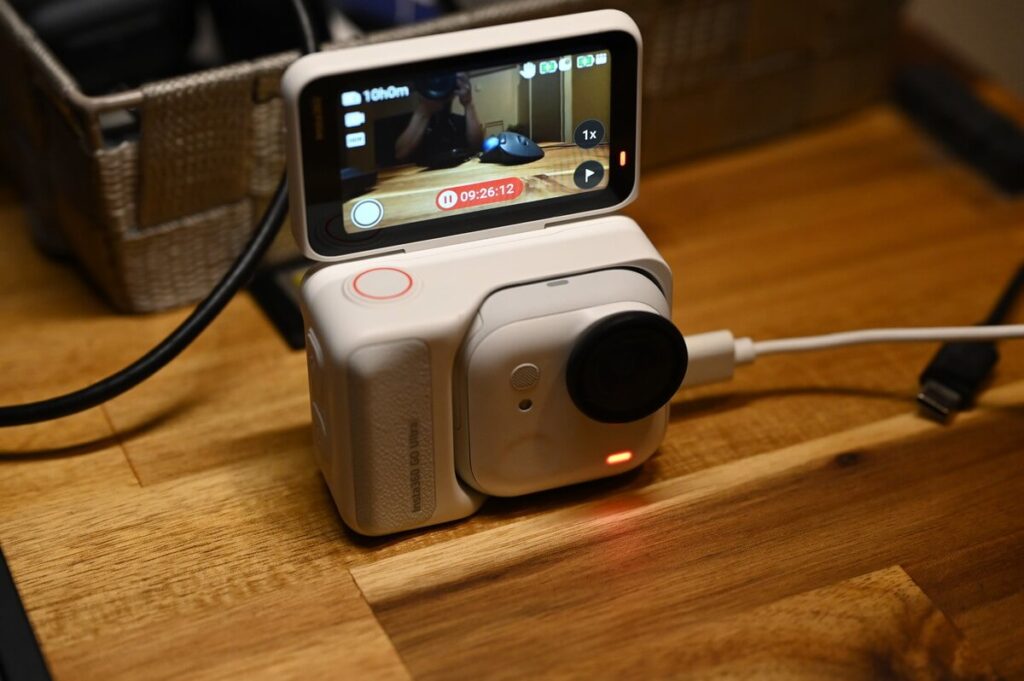
Recording while charging9 hours and 26 minutes

Actual test data: Breaking the 9-hour stability limit At room temperature 25-26℃ In that environment, I tried to record continuously, and the result was... 9 hours and 26 minutes That's when I decided to stop (laughs). Because judging from the current situation, it's unlikely to stop recording anytime soon.

While the camera body does get hot, there's clearly a considerable margin before it overheats and shuts down. Since it's recording continuously... 4K 30fps If the video can last this long, then long-duration time-lapse photography while charging is definitely a piece of cake for the GO Ultra.

Power Accessory Test: Max Battery Life with the Mini Power Handle

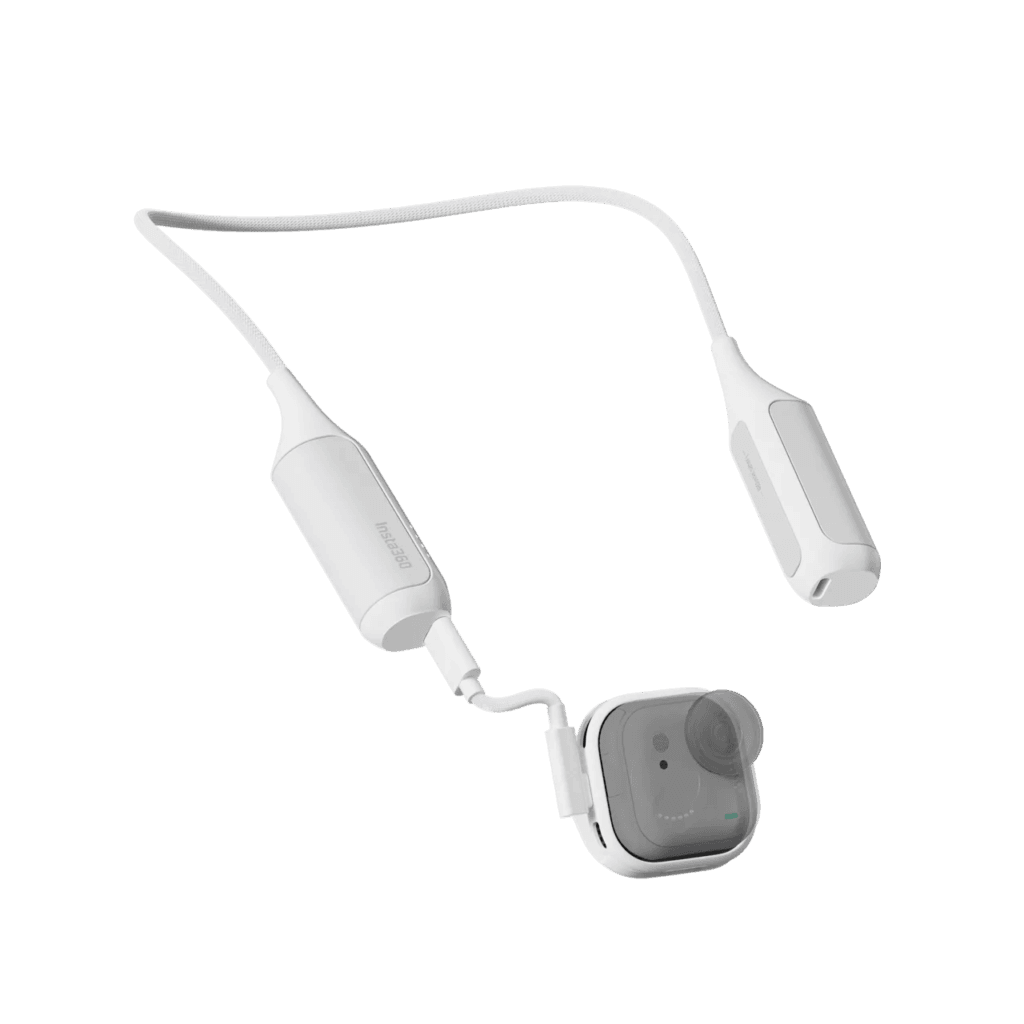
GO Ultra Mini Power Handle

Let's do the math and see what the GO Ultra adds to the...Mini Power HandleHow exaggerated is the fighting power after that?

The GO Ultra can record for about 60 minutes (500 mAh) in 4K/30fps mode on its own; when paired with Action Pod, the official battery life is 170 minutes (1450 mAh).

In terms of battery capacity alone, the two devices combined have a capacity of approximately 1950 mAh, which should theoretically last for nearly 230 minutes (about 4 times longer). However, the official actual value is 170 minutes. The 60-minute difference is due to a transmission loss of approximately 301 TP3T when power is transferred from the Action Pod to the camera.

The Insta360+ service offers cloud storage ranging from 200GB to 2TB.Mini Power HandleThe battery capacity is as high as 4800mAh. Even after deducting the power loss of the 30%, the net power consumption is still amazing—it can achieve about three times the 4K recording time of 170 minutes, which is...Approximately 510 minutes (about 8.5 hours)This means that if you want to challenge yourself with long-duration time-lapse recording while charging using the GO Ultra, you should consider getting one.Mini Power HandleIt can make youFilming continuously for more than half a dayThe

Battery CapacityLongest recording time (4K)
GO Ultra (Single Player)500mAh60 minutes
GO Ultra + Action Pod1450mAh170 minutes
Mini Power Handle4800mAh510 minutes

However, I would like to remind everyone: If you really need to do this kind of extremely long recording, I strongly recommend pairing it with... Memory cards with 256GB or moreTo avoid the awkward situation of having enough electricity but not enough space!

Recording times (4K 30fps) for different memory card capacities on the GO Ultra are as follows:

SD Card Capacity4K recording timeRemark
64GB2h 26minSuitable only for short film creation or single-camera shooting
128GB4h 50minSuitable for general Vlog recording
256GB9h 47minA perfect match for the mini power handle (8.5h)
512GB20h 30minSuitable for multiple days without card reading, or extreme time-lapse photography.

5 Essential Tips to Prevent Your GO Ultra from Overheating

Although "overheating shutdown" sounds annoying, it's essentially designed to protect the camera.Security MechanismTo prevent damage to the battery and internal components, each camera has a safety limit; once the operating temperature exceeds the standard, the system will automatically force a stop to record.

Although the official temperature settings have not been released, based on my actual testing, the camera is close to the critical point when it gets so hot that holding it for a long time could cause low-temperature burns.

even though Insta360 GO Ultra Under normal shooting conditions at room temperature, overheating is unlikely to occur. However, extra care should be taken when using it outdoors in the sweltering summer heat. Below are some tips to avoid overheating with the GO Ultra; please feel free to refer to them.

Extreme 40°C Stress Test: Heat Risks Inside Cars and Under Direct Sunlight

The official recommended operating temperature range for the Insta360 GO Ultra is -20°C to 40°C.

While it's rare for temperatures to exceed 40°C in everyday environments, the significance behind this nominal value is crucial. Remember: an ambient temperature of 40°C does not mean that the surface temperature of an object is also 40°C.

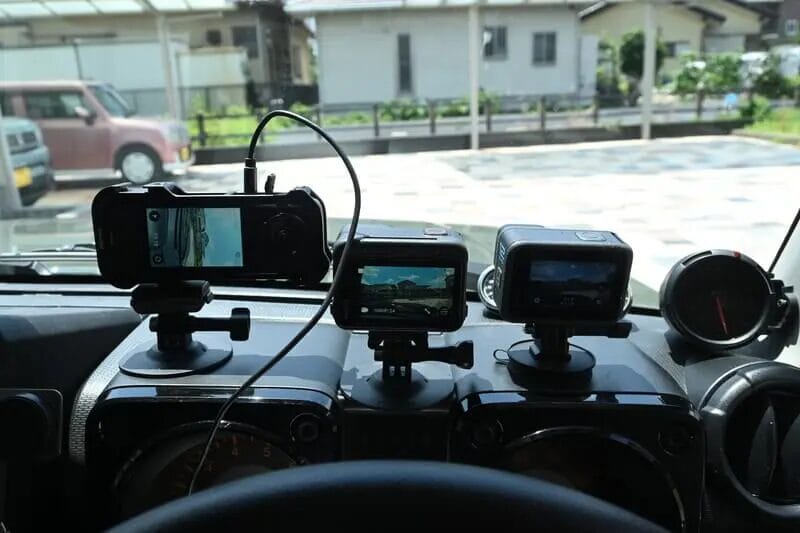
For example, under the scorching summer sun,The surface temperature of asphalt can reach 60°C.And those parked outdoorsThe temperature in the car's dashboard area can even soar to over 70°C.Once you understand this, you can imagine how damaging continuous shooting in such extreme temperatures can be to electronic equipment, potentially causing permanent damage.

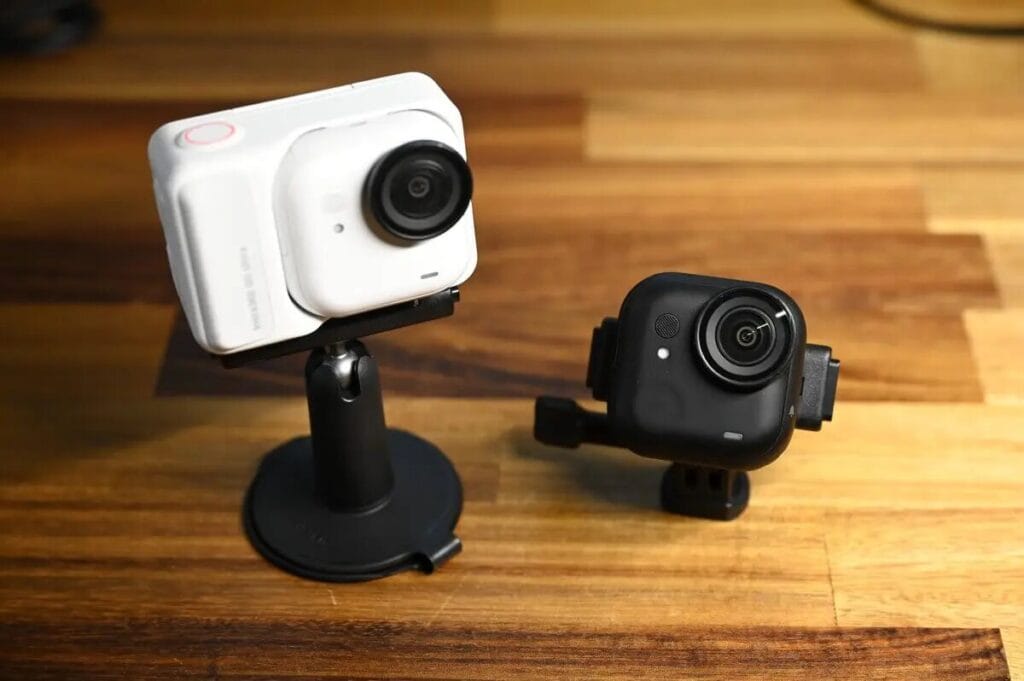
Black vs. White: Does Camera Color Truly Affect Thermal Performance?

Many people worry when purchasing: Will the black body absorb heat more easily and cause overheating?

Regarding this point, I specifically inquired with the official channels, and the response I received was:"The color of the device has a negligible impact on the level of heat generation."

From a physics perspective, under direct sunlight, the surface temperature difference between a white T-shirt and a black T-shirt can indeed reach 10 to 20 degrees Celsius or more. The same principle should theoretically apply to the body of a regular camera. However, the core reason for the heat generated by action cameras primarily lies internally: the heat generated by the high-performance processor and the charging and discharging of the battery is the main cause of the temperature rise.

The official statement says that internal heat dissipation is the key factor. If you prefer the understated look of black, you can confidently choose black without having to compromise on heat dissipation.

Concerned About Heat? Optimize These Settings for Better Stability

Although I've almost never encountered overheating issues while using the Insta360 series, if you plan to shoot for extended periods during the sweltering summer heat, or if you're concerned about the camera getting too hot, you can significantly reduce the processor's workload by adjusting the shooting settings:

  • Reduce resolution: Reduce 4K to 2.7K Recording.
  • Lower the frame rate: Reduce 60fps to 30fpsThe
  • Turn off HDR: HDR processing is very power-intensive; turning it off can significantly reduce heat generation.

These fine-tuning settings can effectively alleviate the camera's heat issues. If you're recording for extended periods in the summer and notice a significant increase in camera temperature, consider these tips. While you might sacrifice some image quality, you'll gain significantly greater shooting stability!

The Ultimate Cooling Hack: Action Pod + Active Airflow

Ultimately, the most effective way to dissipate heat from an action camera is:"Increases heat conduction"Specifically, there are two most direct methods:

Enhanced physical contact: Action Pod features its own dedicated heatsink.

even though GO Ultra The design, seemingly encased in the Action Pod, might appear stuffy, but the opposite is true. Because the heat is concentrated in the camera itself, placing it in the Action Pod increases the contact surface, effectively turning the Action Pod into a giant heat sink. Utilizing the principle that "solids conduct heat faster than air," it effectively dissipates the internal heat of the single camera.

Active air cooling: allows airflow to carry away heat.

When shooting outdoors (e.g., while cycling).Environmental windIt is the most effective cooling method. The flowing air can continuously carry away the heat from the surface of the camera body, allowing the camera to maintain a stable operating temperature even when recording in 4K high quality.

What should I do if my GO Ultra overheats?

Take a break: If the overheating warning pops up, stop recording and power down. Give the camera some "breathing room" in a cool spot to let the temperature drop naturally.

Watch your environment: Airflow is your best friend for removing heat! Avoid "heat traps" like direct sunlight, car dashboards, or enclosed spaces with no ventilation. If you're shooting in a car, make sure it’s not sitting in the direct sun.

Category