Let's start with the bottom line: for most Insta360 X5 users, a 256GB UHS-I V30 microSD card is the smartest pick — reliable, affordable, and roomy enough for real-world shooting without constantly offloading footage.
Compared with the previous-generation X4, the Insta360 X5 also delivers a major improvement in SD card writing efficiency. Real-world tests show that under identical shooting settings, X5 video files are about 20% smaller than those from the X4. That means longer recording times, lower storage pressure, and far less dependence on ultra-large cards.
With over three years of hands-on experience using 360 cameras, this guide focuses on real-world usability and cost-performance to help you choose the best SD card for Insta360 X5 quickly and confidently.
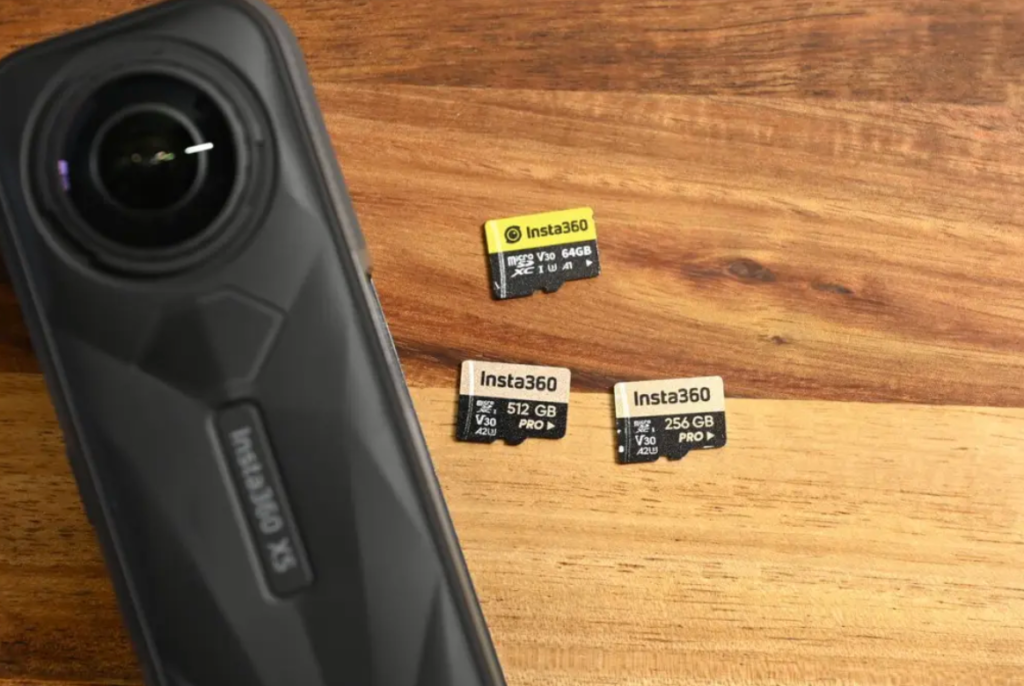
- X5 supports 64GB–1TB microSD cards
- Minimum spec: UHS-I + V30 or higher
- Best overall capacity → 256GB
- Avoid cheap or unbranded cards
- X5 files are ~20% smaller than X4
What SD Cards Are Compatible with Insta360 X5?
The Insta360 X5 requires:
✔ UHS-I microSD card
✔ V30 / U3 speed class or higher
✔ exFAT format
✔ Max capacity: 1TB
⚠️ Important: UHS-II cards are NOT supported and may cause recording errors or corrupted footage. Stick with UHS-I.
Best SD Cards for Insta360 X5: Recommended Picks
Based on our hands-on testing, long-term stability, and reliability, here are our two go-to picks:
🏆 Best Overall → SanDisk Extreme Series
🛡 Safest Choice → Official Insta360 SD Card
❌ Avoid the SanDisk Ultra series. These cards are cheaper, but they fall below the recommended speed requirements and may cause recording interruptions or dropped frames when shooting 360° video.
X5 vs X4: Storage Performance Difference
One of the biggest behind-the-scenes upgrades in the X5 is its new built-in video compression engine, which shrinks file sizes without sacrificing image quality.
| X5 | X4 | |
| 1-min 8K video | 1.2GB | 1.5GB |
| Bitrate | 120 Mbps | 150 Mbps |
| 30-min 8K video | 28.4GB | 34.4GB |
That works out to roughly 20% better storage efficiency — a bigger deal than it sounds on paper.
Here's what that improvement means in practice:
- longer recording time per card
- faster file transfers
- a smoother editing workflow
For creators, this is a genuinely meaningful real-world upgrade — not just a spec-sheet win.
Best SD Card Capacity for Insta360 X5
Supported sizes:
64GB / 128GB / 256GB / 512GB
Here's real recording time based on our testing:
| Capacity | 8K30 | 5.7K30 | 4K60 |
| 64GB | 61m | 1h29m | 2h03m |
| 128GB | 2h03m | 3h00m | 4h07m |
| 256GB | 4h07m | 6h00m | 8h15m |
| 512GB | 8h27m | 12h18m | 16h55m |
Best Choice for Most Users → 256GB
A 256GB card is the best SD card size for Insta360 X5, and here's why:
- enough storage for multi-day trips
- ideal for 8K recording
- minimal price difference versus 128GB
- officially included in many X5 bundles
It's the sweet spot between price, capacity, and everyday convenience — which is exactly why we keep coming back to it.
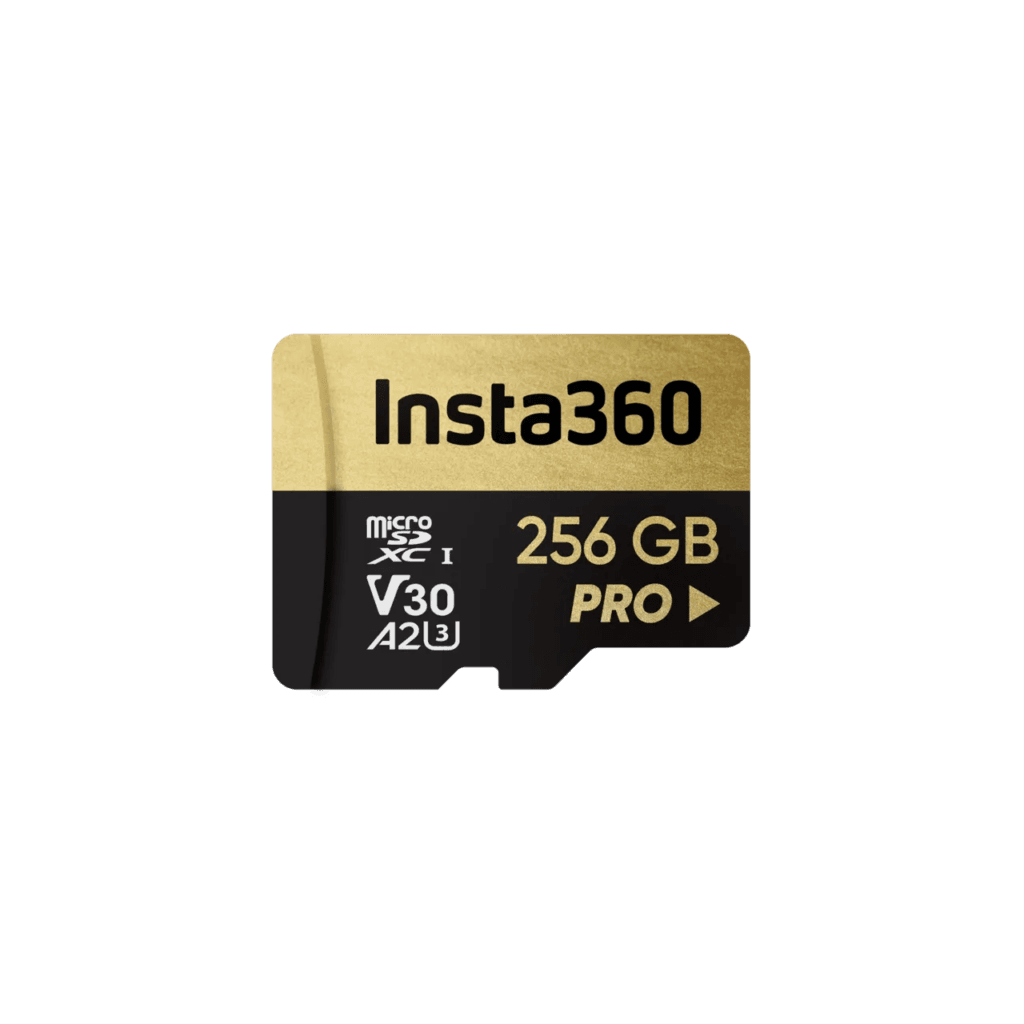
Insta360 256GB Memory Card
US$89.99
Official Insta360 certified memory card with stable read/write speeds, rigorously tested for compatibility and durability — the best pairing for shooting with the X5.
When to Choose 128GB
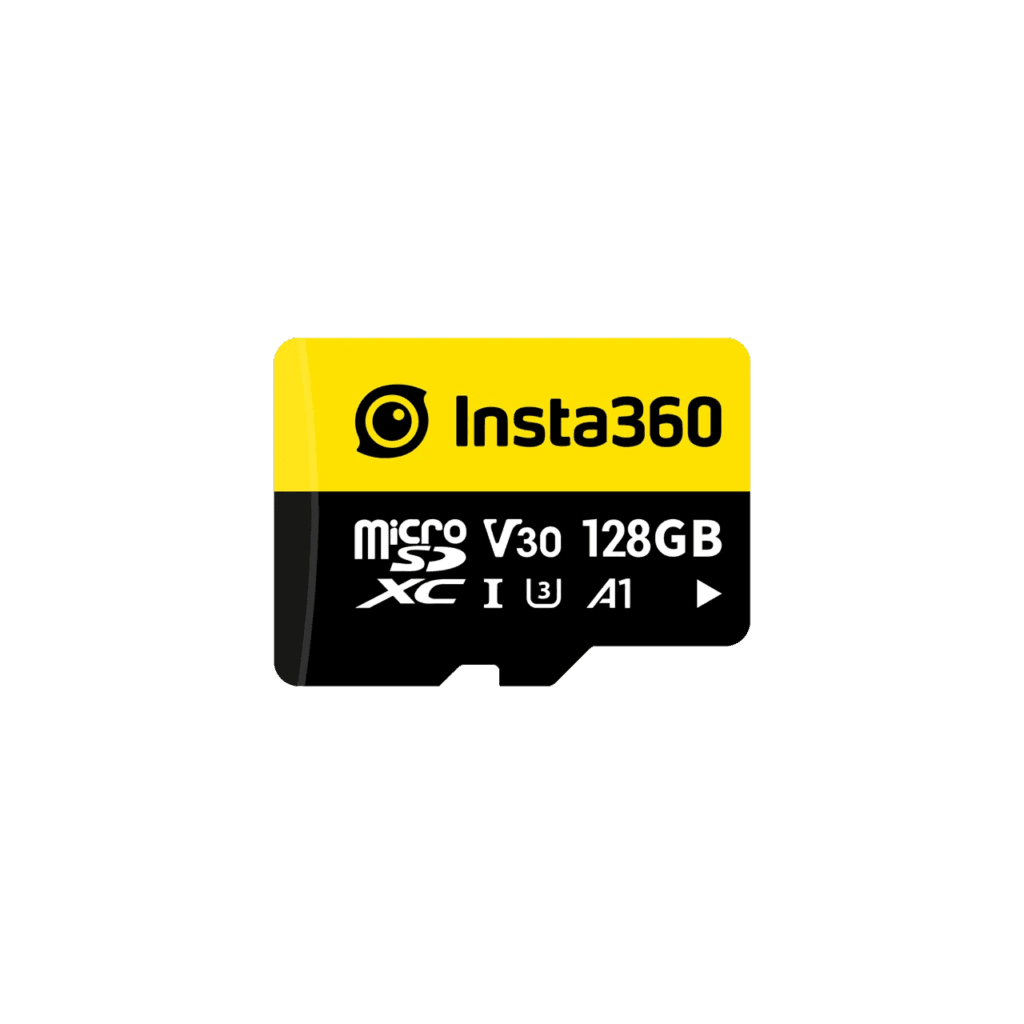
Insta360 128GB Memory Card
US$59.99
Official Insta360 memory card, ships within 2 days.
Choose 128GB if you:
- shoot mostly short clips
- vlog on a daily basis
- transfer footage to your computer often
- rarely shoot in 8K
When 512GB Makes Sense
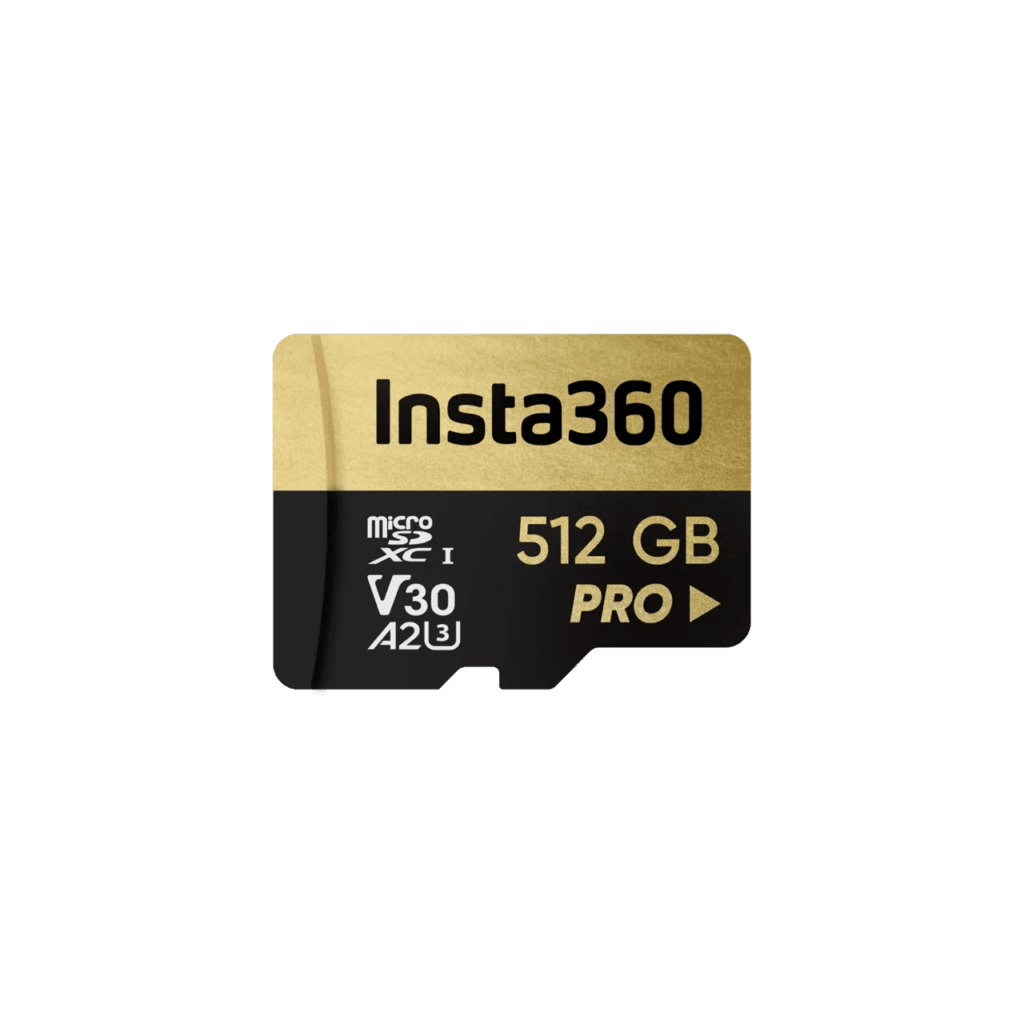
Insta360 512GB Memory Card
US$139.99
Official Insta360 memory card, ships within 2 days.
Consider 512GB if you:
- shoot professionally
- record long continuous footage
- don't offload files often
- don't use cloud backup
Should You Use Insta360+ Cloud Storage?
Cloud storage ranges from 200GB–2TB and can reduce your need for larger SD cards.
However, even if you use cloud storage, a 256GB card is still recommended for flexibility and uninterrupted shooting — you don't want a full card to stop a great take mid-recording.
Real-World Experience: From X3 to X5
I've used Insta360 cameras for over four years, starting with the X3 and ONE RS. In most cases, my clips only last seconds to a few minutes — I've simply learned how to frame shots and position the camera well. Even for sports like skiing or cycling, my longest clips are around 20 minutes.
By shooting efficiently and regularly deleting files, I managed to fit an entire year of footage onto a 512GB card.
If you don't manage files often → cloud backup is highly recommended.