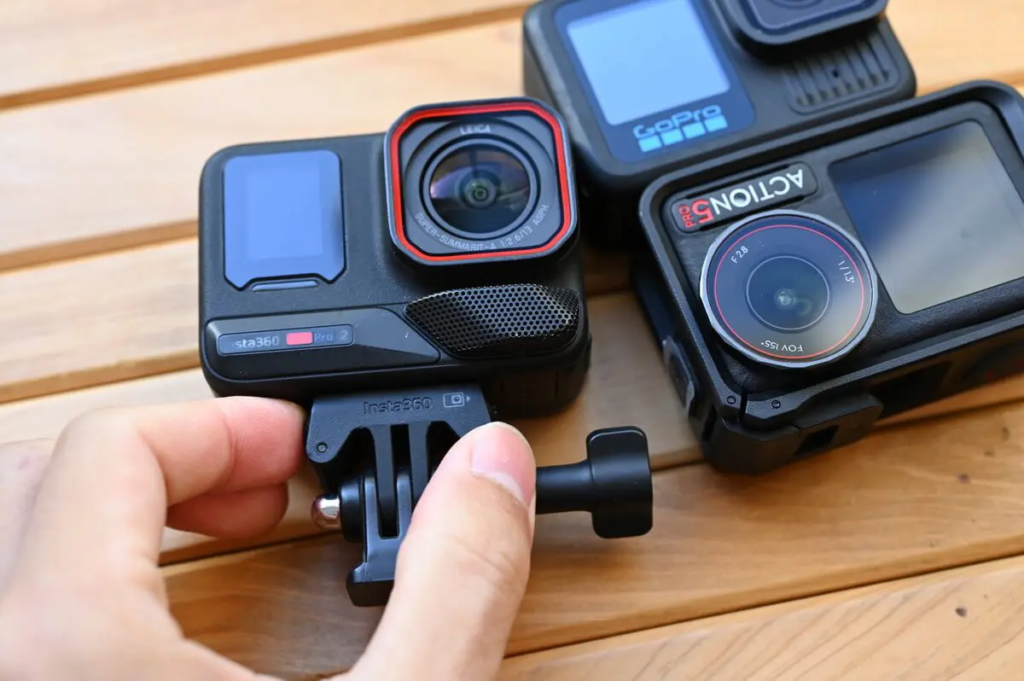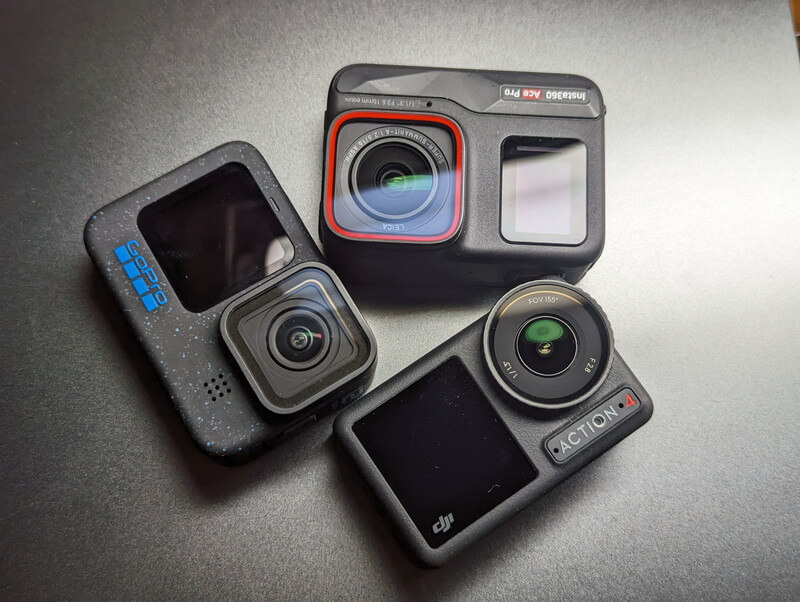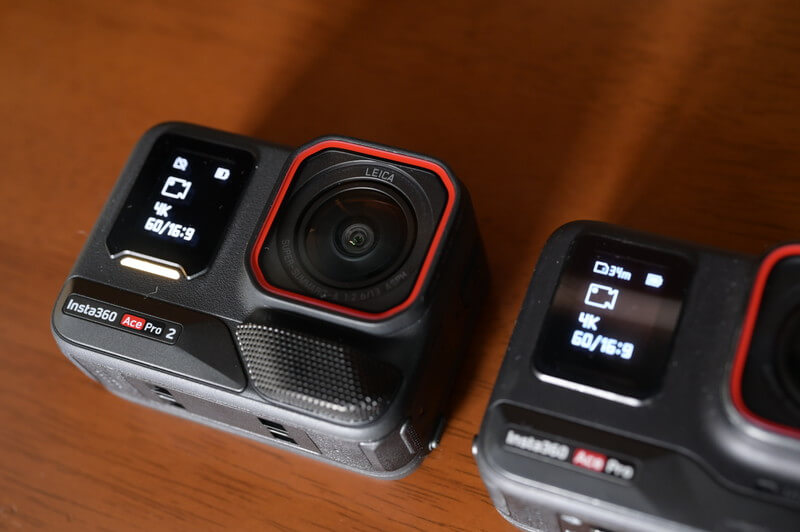



Insta360 Ace Pro and Ace Pro 2, sports cameras capable of shooting 8K video, are coming out one after another. From the user reviews on Insta360's official website, it seems that many Ace Pro 2 users are confused when choosing the capacity of the microSD memory card. This review will help you make the best judgment by recommending the memory cards for Ace Pro and Ace Pro 2.
- Which memory cards are available for Ace Pro 2?
- 64~512GB Which capacity should I choose?
- microSD memory card recommendations—which brand to choose?
- Are there fake microSD memory cards? — The consequences of buying a cheap SD card
Insta360 officially recommends a 128GB SD card for the Ace Pro 2, which is not only included in the original creator bundle but is also the capacity I recommend based on my testing. In this review, I will explain in detail why 128GB is the most practical choice when using the Ace Pro 2.
Use this link to get a free gift, while stocks last.
Recommended MicroSD Card Specifications for Insta360 Ace Pro and Ace Pro 2
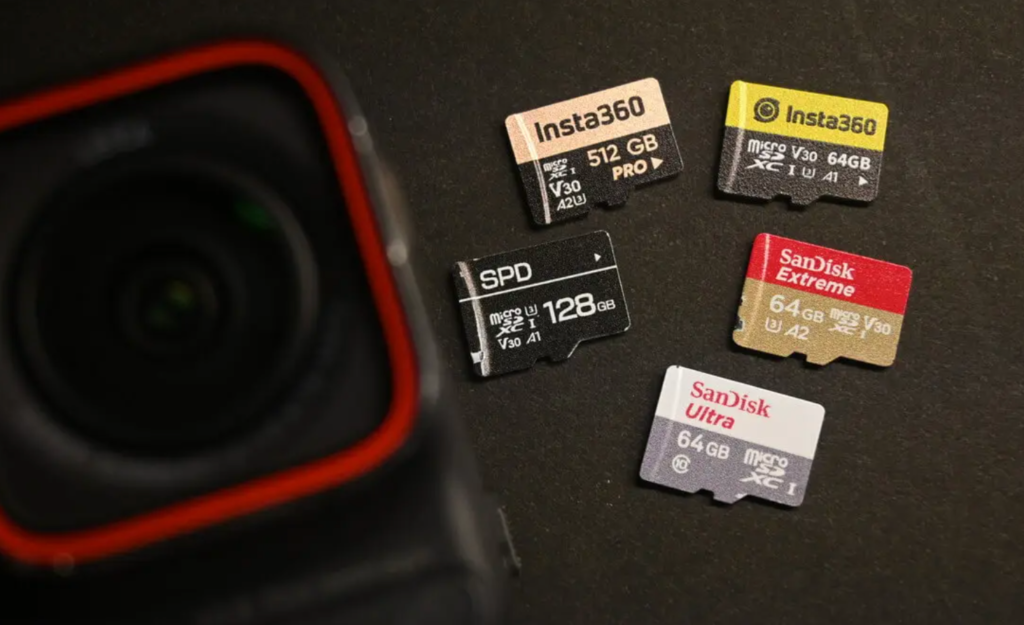
I would recommend either the SanDisk Extreme series or the Official Insta360 SD card.
It's important to note that SanDisk SD memory cards have three product lines, from entry-level to high-end: Ultra, Extreme, and Extreme PRO . The SanDisk Extreme series "V30・U3" offers speeds sufficient for most filming needs, with a maximum transfer speed of UHS-I (do not use UHS-II or UHS-III), and video speed ratings of V30 or higher.
To ensure optimal performance for the Insta360 Ace/Insta360 Ace Pro, you should use a UHS-I Micro SD card with a speed class of V30 or higher, formatted in exFAT. Otherwise, recording may stop, and footage may be corrupted by incompatible Micro SD cards. Note: Do not use UHS-II, UHS-III Micro SD/TF cards or Micro SD cards larger than 1TB. These cards are not supported and may cause recording failures.
Ace Pro Official Service and Support
Simply put, if the card's write speed is not fast enough, the data is likely to fail when shooting at 8K or 120fps. Therefore, it's important to follow the official recommendations for purchasing a card.
- Video speed level of V30 or higher
- Transmission speed is UHS-Ⅰ.
- Do not use SD memory cards larger than 1TB.
The Insta360 online manual lists the following Sandisk SD memory cards as compatible with Ace Pro/Ace Pro 2 .
| SD Memory Card Model | Size | Speed | |
| Sandisk Extreme V30 A1 | sdsqxvf-032g-gn6ma | 32GB | V30 |
| Sandisk Extreme Pro V30 A1 | sdsqxcg-032g-gn6ma | 32GB | V30 |
| Sandisk Extreme Pro V30 A1 | sdsqxcg-064g-gn6ma | 64GB | V30 |
| Sandisk Extreme V30 A1 | sdsqxaf-128g-gn6ma | 128GB | V30 |
| Sandisk Extreme V30 A2 | sdsqxaf-128g-gn6ma | 64GB | V30 |
| Sandisk Extreme V30 A2 | sdsqxa1-256g-zn6ma | 256GB | V30 |
| Sandisk Extreme Pro V30 A2 | sdsqxcz-1t00-zn6ma | 1TB | V30 |
| Lexar 1066x microSD UHS-I SILVER Series | LMS1066064G-BN | 64GB | V30 |
| Lexar 1066x microSD UHS-I SILVER Series | LMS1066128G-BN | 128GB | V30 |
| Lexar 1066x microSD UHS-I SILVER Series | LMS1066256G-BN | 256GB | V30 |
The official Insta360 website also sells official memory cards directly.
SD memory card capacity – 64~512GB: Which capacity should you choose?
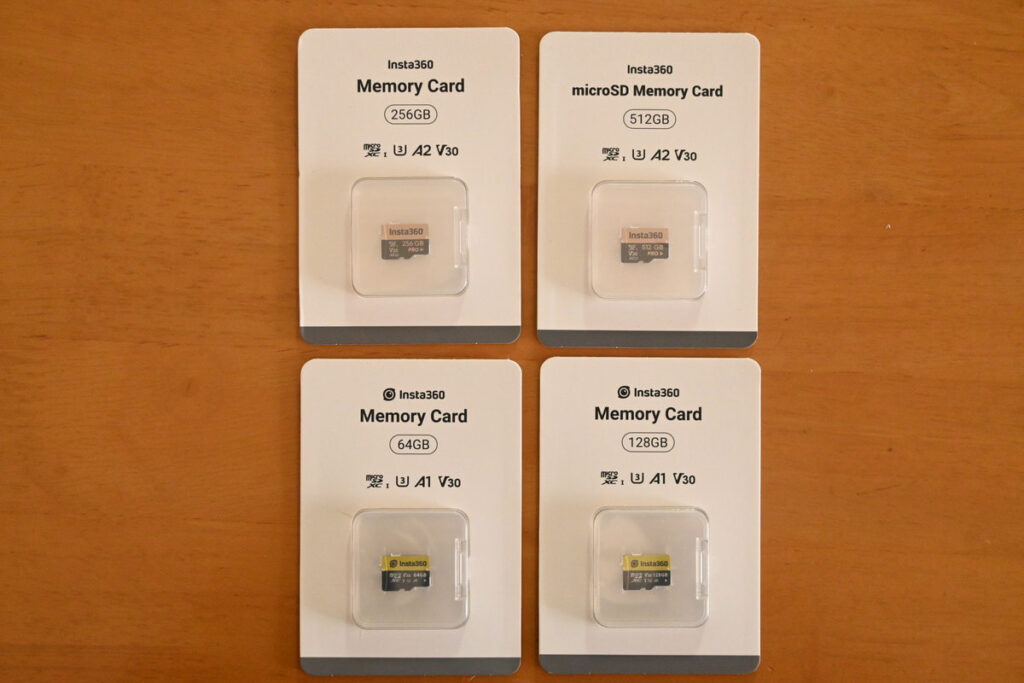
Insta360 Ace Pro/Ace Pro 2 supports the use of SD memory cards with capacities of 64GB, 128GB, 256GB, and 512GB.
Below is a table that summarizes the recordable duration of each memory card capacity for your easy reference. From the data, it is easy to realize that if you choose a card with smaller storage space, the recordable time will be relatively limited, so it is recommended that you choose a card with appropriate capacity according to your own filming habits and scene requirements.
I personally use 4K 60fps.
| Recording Mode | 64 GB | 128 GB | 256 GB | 512 GB | |
|---|---|---|---|---|---|
| 4K30fps | movie mode | 1h16m | 2h33m | 5h4m | 10h24m |
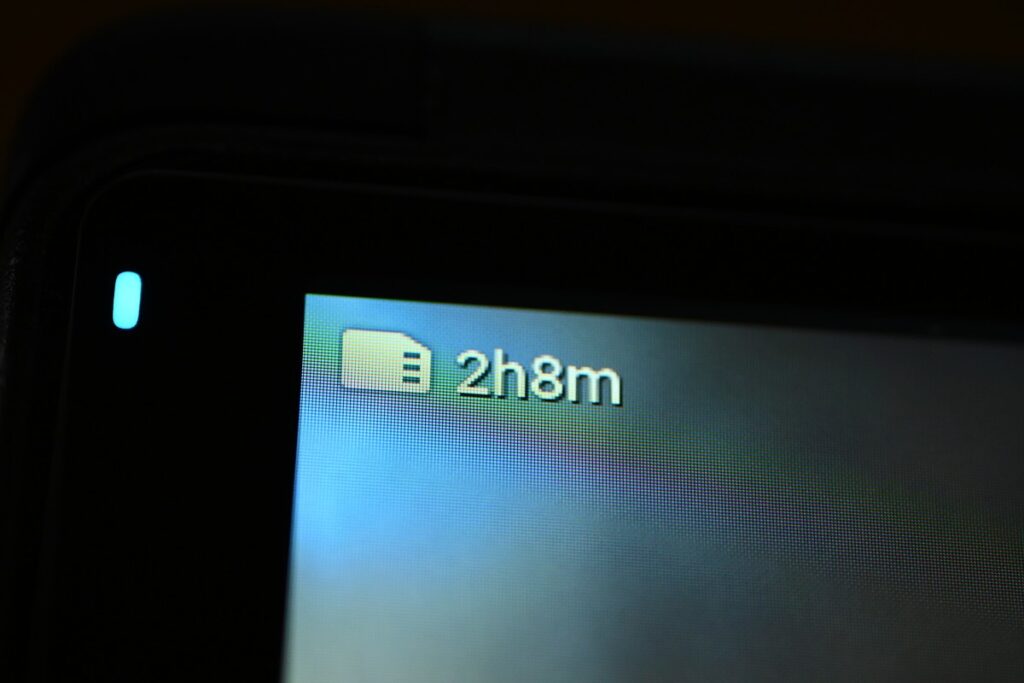
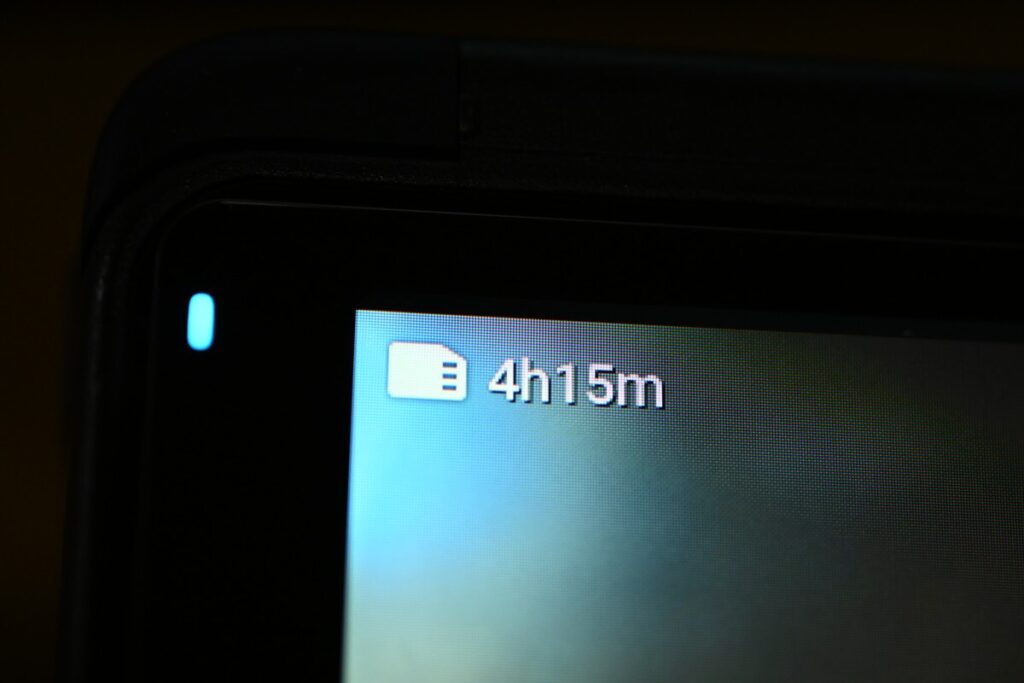
| 4K60fps | Standard Recording | 1h3m | 2h8m | 4h15m | 8h44m |
| 8K24fps | High Definition | 48m | 1h37m | 3h13m | 6h36m |
| 4K120fps | Action Slow | 51m | 1h43m | 3h25m | 7h1m |
Recommended Camera Settings - 4K60fps
| Recording Mode | 64GB | 128GB | 256GB | 512GB | |
|---|---|---|---|---|---|
| 4K30fps | movie mode | 1h16m | 2h33m | 5h4m | 10h24m |
| 4K60fps | Standard Recording | 1h3m | 2h8m | 4h15m | 8h44m |
I personally prefer shooting in 4K 60fps because it's suitable for vlog recording and shooting various action scenes . Compared to 30fps, 60fps video is much smoother.
Even if you shoot in 4K/60fps mode at the beginning, you can easily adjust the movie to 30fps later. In terms of real-world data, the 128GB card can shoot for 2 hours and 33 minutes in 4K/30fps mode and 2 hours and 8 minutes in 4K/60fps mode, which is almost the same length of time in both modes.
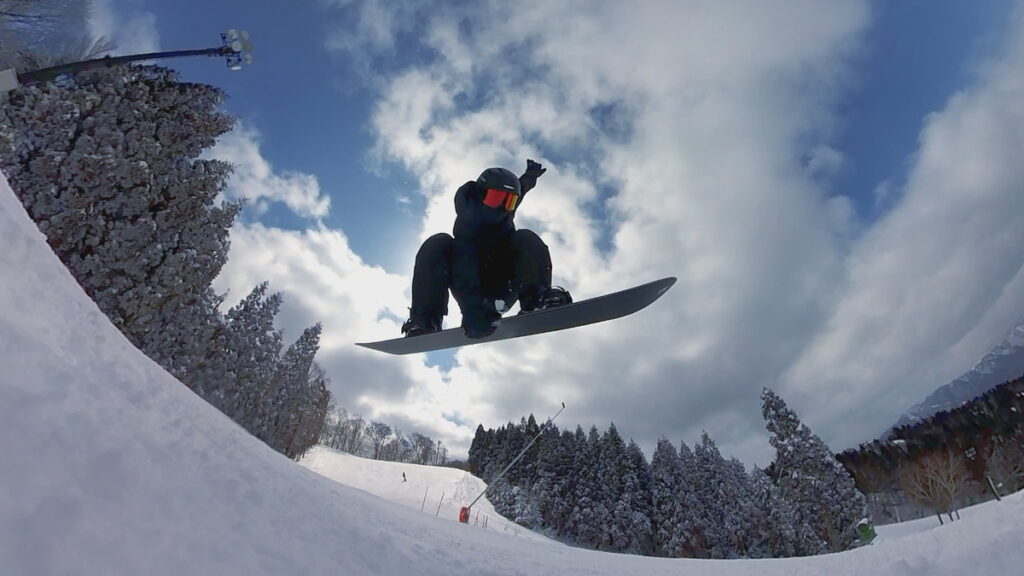
The Insta360 Ace Pro 2 supports shooting 2x slow motion effects, and setting it to 60fps can also better ensure the shooting effect .

The Ace Pro 2 offers an 8K shooting option, but requires a high-spec CPU when editing with PC software; otherwise, post-production may cause lag. Personally, I think 4K video is the easiest to edit in post-production, but 8K isn't entirely meaningless; for example, it ensures that the image quality of the Ace Pro 2 doesn't degrade when zoomed in at 2x.
64GB microSD card
| 64GB Memory Card Recording Time | |
|---|---|
| 4K30fps | 1h16m |
| 4K60fps | 1h3m |
Using a 64GB memory card, the Insta360 Ace Pro 2 can record for 1 hour and 3 minutes in 4K/60fps mode and 76 minutes (i.e., 1 hour and 16 minutes) when set to 4K/30fps mode; and the Ace Pro 2 can support up to 100 minutes of continuous recording at full power.
If I don't organize my videos regularly, the storage space will fill up quickly, so I feel that 64GB is not enough .
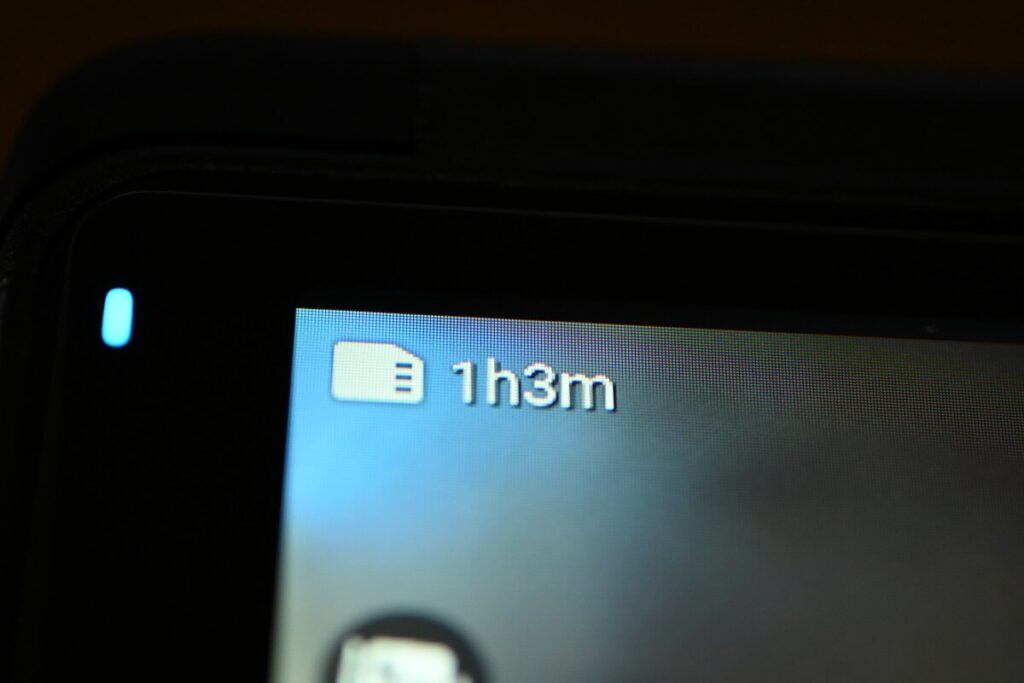
128GB microSD card
| 128GB | |
|---|---|
| 4K30fps | 2h33m |
| 4K60fps | 2h8m |
Using a 128GB SD card, you can shoot continuously for more than 2 hours even at 4K 60fps. It can be said that 128GB is definitely the most practical capacity for everyday recording .
Unlike the 360-degree panoramic videos on the X4/X5, the Ace Pro 2 doesn't require cutting from a 360° panoramic view. Videos can be processed as is, making regular formatting easier than with the X5. Currently, a 128GB SD memory card is included in various bundles of the Ace Pro and Ace Pro 2, indicating that 128GB is Insta360's officially recommended option .
256GB microSD card
With a 256GB SD memory card, it can sustain 4K video recording for over 4 hours and easily handle 8K recording. If you use a spare battery while filming, this capacity is worth considering.
| 256GB | |
|---|---|
| 4K30fps | 5h4m |
| 4K60fps | 4h15m |
| 8K24fps | 3h13m |
| 4K120fps | 3h25m |
512GB microSD card
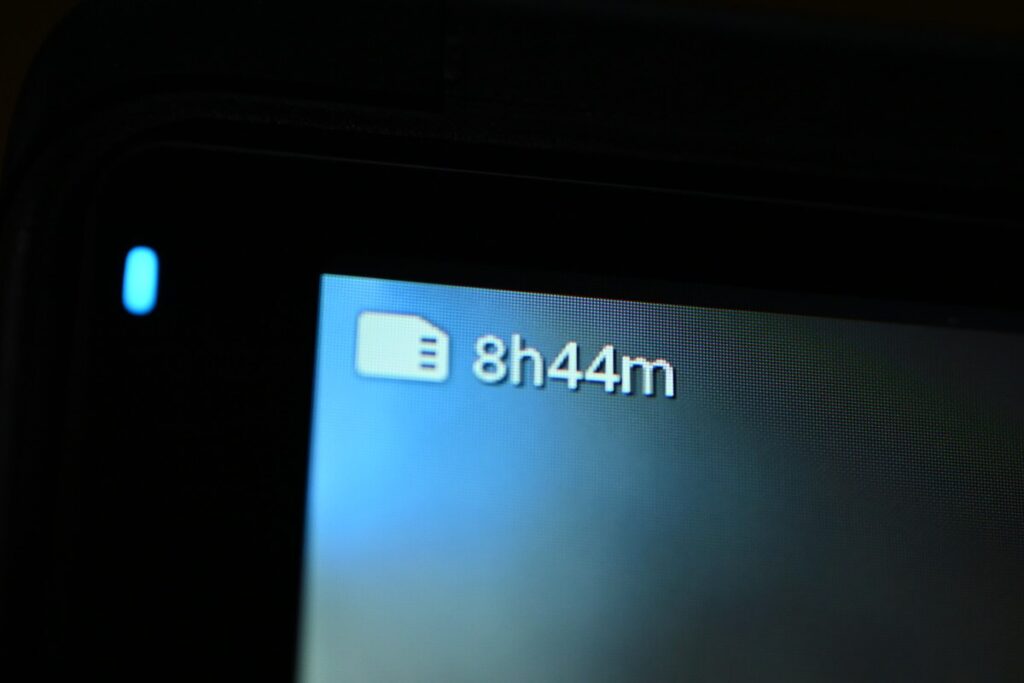
If you choose the 512 GB option, you can shoot a full 6 hours of 8K video , but I don't think many people will choose that capacity. It's more like SSD memory than an SD card.
| 512GB | |
|---|---|
| 4K30fps | 10h24m |
| 4K60fps | 8h44m |
| 8K24fps | 6h36m |
| 4K120fps | 7h1m |
How to install a Micro SD memory card
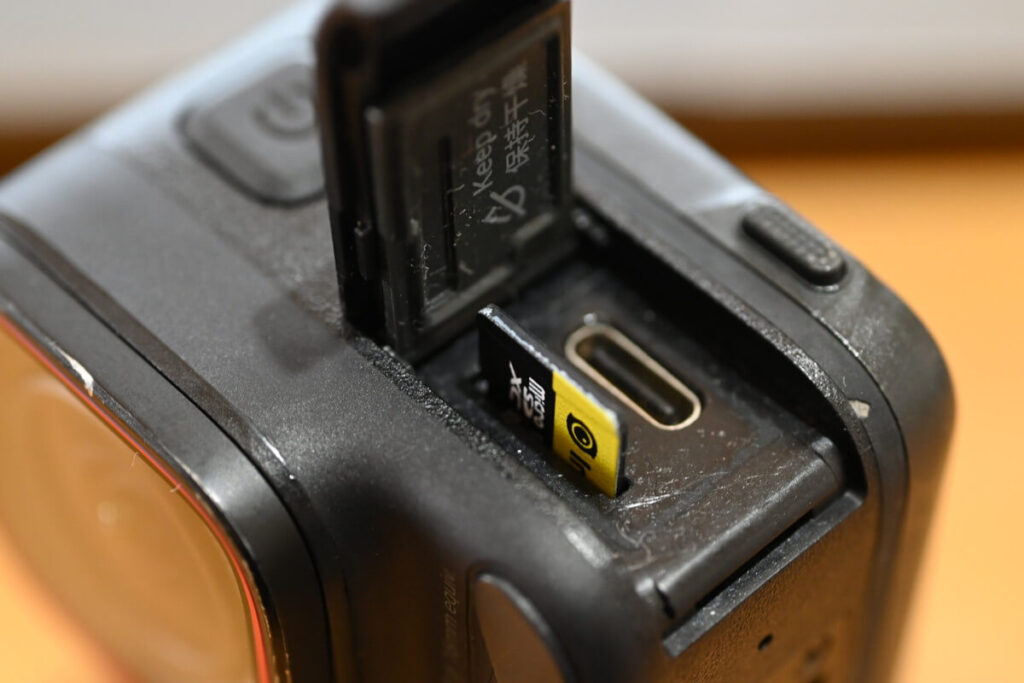
The SD memory card slot is located next to the USB port. Press until it clicks to make sure it's installed correctly. To remove, simply press the card and it will automatically eject.
microSD memory card FAQ
What are the differences between the V30 and U3?
The difference in labeling comes from the classification of the specification group; V30 belongs to the "Video Recording Only" category, while U3 belongs to the "UHS Speed Class" category. To get the best results from the Insta360 Ace Pro 2, you should use a UHS-I Micro SD memory card with a speed class of V30 or higher and exFAT format.
In terms of performance, both of them guarantee a "minimum write speed of 30MB/s".
128GB or 256GB, which one should I choose?
Depending on your shooting style, 256GB is a good choice for those who want more capacity. But if you're shooting vlogs on a daily basis, or just a few minutes a day, 128GB will suffice.
How many Micro SD memory cards should I prepare?
Ideally, it is recommended to prepare at least two.
To cope with risks such as running out of memory or memory card damage during shooting, it's more reassuring to prepare one main memory card and one backup memory card.
The capacity of Micro SD memory cards is subject to error.
Since the SD card is not only used for storing footage but also reserves about 1–2GB of space for buffering during recording, a difference of 1–2GB from the listed capacity is normal.
X4 Official Service and Support
The actual usable capacity of an SD memory card is usually less than its advertised capacity. Generally, the actual capacity of an SD memory card is approximately 901TB to 3TB of the manufacturer's advertised capacity , so it is recommended to leave some margin when purchasing one.
Do I need to format my Micro SD memory card regularly?
Micro SD cards are storage devices that require frequent formatting.
Compared to hard disk drives (HD) and solid-state drives (SSD) used for long-term recording, micro SD cards are more likely to generate "junk" data during the deletion process , thus requiring regular formatting (cleaning up storage space).
Continuing to use the SD card in an uncleaned state may put a strain on it and even affect recording performance. According to Insta360's official recommendations, the Ace Pro 2's SD card should be formatted periodically to extend its lifespan and ensure long-term stable operation .
It is recommended to regularly transfer your camera files to a smartphone or computer for backup, and then format the camera’s internal storage to avoid potential storage errors.
Ace Pro Official Service and Support
Are there fake microSD cards for the Insta360 X5
Although Insta360 officially recommends Sandisk memory cards, please note...There are many fake cards on the market.You need to carefully check the printed text on the card; the font on genuine cards will be thicker.To completely eliminate counterfeit cards, from Insta360 websiteBuying an SD memory card is the safest option.
I bought a cheap card for my Insta360 ONE RS, but after less than a year, I couldn't read it. Cheap cards work fine at first, but they start to malfunction as they are used more and more often - after less than a year, they don't work anymore!
Conclusion
360° cameras and sports cameras have different storage formats, some cheap cards say "Compatible with Ace Pro 2" or "Confirmed compatible with Ace Pro 2" in the product description, honestly, it doesn't mean that it's compatible with Ace Pro 2 and X5 at the same time, please read the product description carefully. It's a pity if you can't keep your important videos because of the wrong memory card 😭.
Selecting a Memory Card. Just highlight "Brand", "Capacity" and "Video Speed Rating".If you are worried about buying the wrong one, you can also order directly from the Insta360 official website. I hope that this article can help you choose the right memory card for your sports camera.
Use this link to get a free gift, while stocks last.
Below are the reviews of Ace Pro 2 on our website.