



When considering the purchase of a DJI Osmo Action 6, choosing a microSD card that meets the required specifications and offers stable performance is a crucial investment. Why can’t you just buy any SD card? If you use a card with insufficient capacity or a cheap, low-quality option, you’re very likely to encounter the following issues while filming:
- Recording stops unexpectedly:The card’s write speed can’t keep up with 4K video recording, causing the camera to stop mid-shot.
- Corrupted or lost footage: Video files may fail to save or become unreadable, resulting in the permanent loss of valuable recordings.
- Playback stuttering and screen flickering: Slow read speeds lead to unstable playback and abnormal video performance on the camera.
Based on official specifications and real-world testing by players worldwide, I've compiled a list of three memory card models that boast "high access performance and high durability," hoping to completely resolve your dilemma when choosing accessories for the DJI Osmo Action 6.
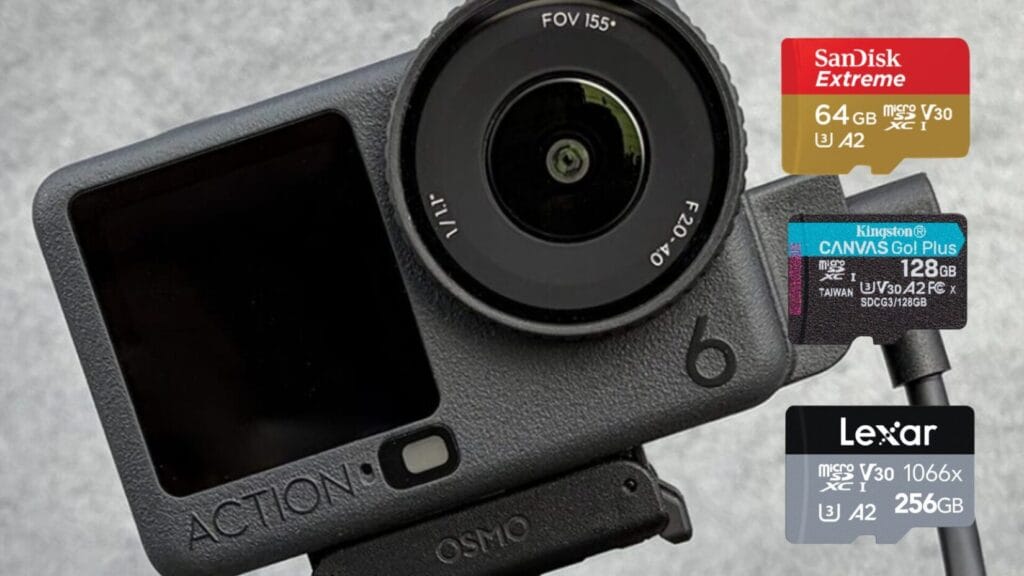
The DJI Osmo Action 6 is an exceptionally high-performance action camera. However, the last line of defense for protecting these precious images is actually that seemingly insignificant microSD card. Rather than risking using a low-quality card to save money, only to end up with flickering images and corrupted files, we recommend purchasing one of the following three reliable models sold on the DJI official website to provide an extra layer of protection for your valuable videos.
Technical Specifications
When choosing a memory card, be sure to carefully check the symbols and diagrams on the packaging:
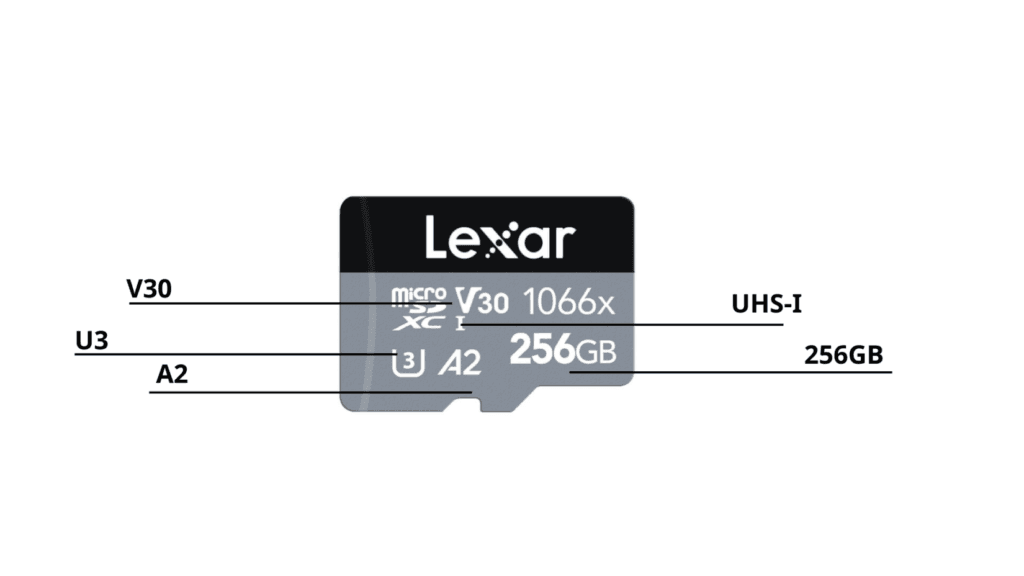
| Item | Specification | Explanation |
| Storage Capacity | 256GB or higher (recommended) | The best balance between recording time and cost-effectiveness. |
| Recording speed level | V30 or higher | Guarantees a minimum sustained write speed of 30 MB/s for stable recording. |
| UHS Specification | UHS-I | Matches the DJI Osmo Action 6 card slot standard for maximum compatibility. |
| UHS Speed Rating | U3 | Ensures smooth high-bitrate 4K recording without dropped frames. |
| Speed Specification | A2 | Optimized for faster app access, quicker transfers, and smoother editing. |
💡 Why Is “A2” the Standard for Action Cameras? When choosing a memory card, you’ll often see the “A2” (Application Performance Class 2) rating. This standard doesn’t just indicate exceptionally fast read and write speeds—it also has a direct impact on your post-shoot workflow and overall shooting experience:
- Wi-Fi transfers are where the difference is most noticeable: When using the “Quick Transfer” feature in the DJI Mimo app to import 4K footage to your phone, an A2-rated card can significantly reduce transfer times and waiting periods.
- Smoother in-app editing: If you often preview or edit original footage directly from the memory card in a mobile app, an A2-rated card delivers more stable random read performance, reducing stuttering and lag when scrubbing through clips.
Critical Speed Ratings: V30 (or Higher)
To ensure smooth, uninterrupted recording of high-quality 4K video, the most critical factor is the “sustained write speed.” SD memory cards use three main video speed rating systems—C, U, and V—each indicated by a letter followed by a number that represents the minimum guaranteed write speed (MB/s). The higher the rating, the better the card can handle high-bitrate video recording without dropped frames or recording interruptions.
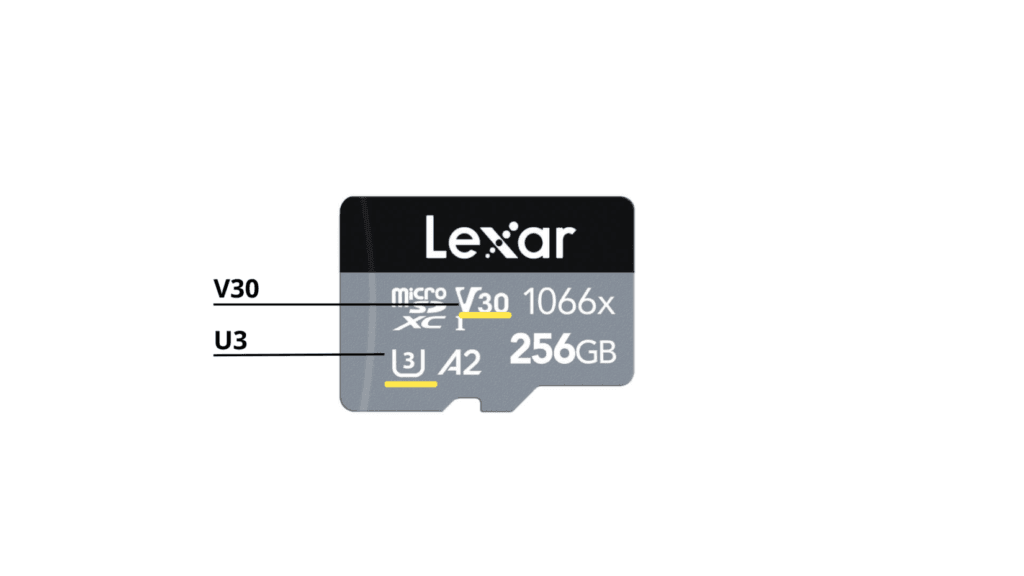
V30 (Video Speed Class): Indicates a minimum sustained write speed of 30 MB/s during recording, ensuring smooth 4K video capture.
U3 (UHS Speed Class): Also guarantees a minimum write speed of 30 MB/s, making it suitable for high-bitrate 4K footage.
What does this speed rating mean for the DJI Osmo Action 6? Because 4K high-definition recording produces a massive data stream (high bitrate), using a memory card with a write speed below the required standard can quickly fill the camera’s buffer. This may result in interrupted recordings or corrupted video files, making high-speed, high-quality capture unreliable.
The “V30 / U3” rating provides the basic guarantee that your recording will remain stable, preventing dropped frames or recording errors.
Speed Specification A2
The "A2" (Application Performance Class 2) marking on a memory card indicates that it supports fast random access and efficient data processing for mobile devices. If you frequently preview or trim 4K footage directly from the card in a mobile app (like DJI Mimo), an A2-rated card can significantly improve read performance and reduce lag caused by frame skipping or slow loading. Additionally, when backing up large volumes of video to a PC or external drive, the A2 standard ensures a more stable and consistent data transfer.
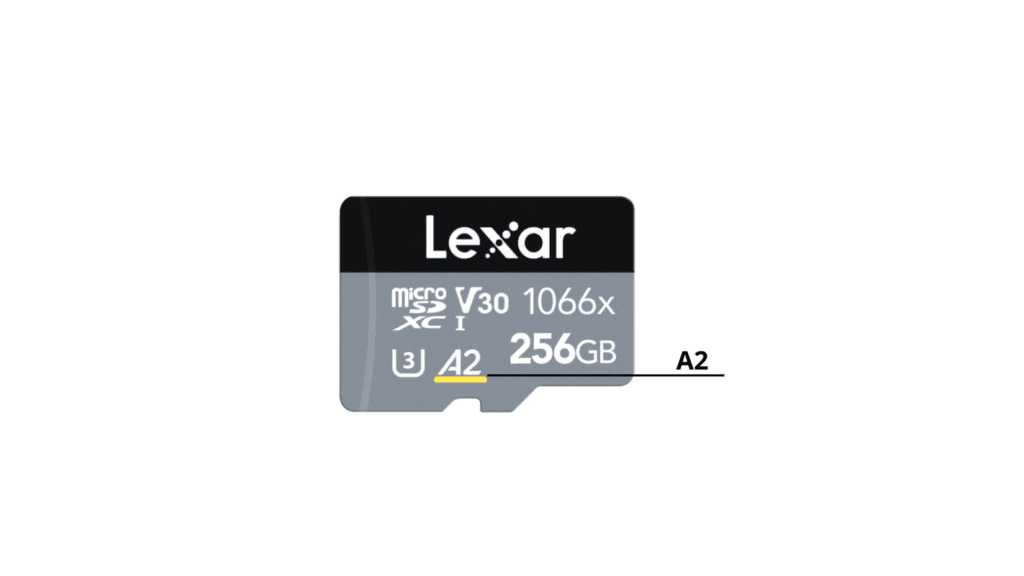
Recommended Capacity: 256GB
Although the DJI Osmo Action 6 supports memory cards up to 1TB, a larger capacity isn’t always better. You should also consider factors such as cost per GB and risk management for your footage, since losing a large card full of important recordings could be costly.
- 64GB / 128GB (Entry-Level): Suitable for light vlogs or short day trips. However, if you plan to shoot 4K high-definition video, storage may quickly become insufficient.
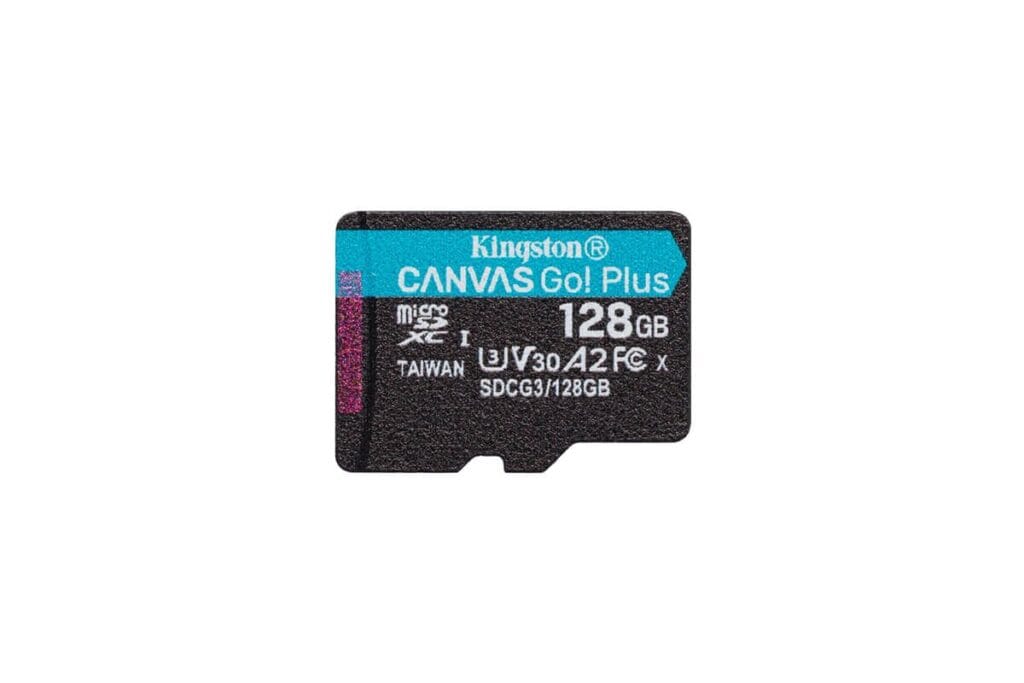
- 256GB (Highly Recommended): Considering the high bitrate of 4K video and current memory card prices, 256GB offers the best balance of capacity, cost, and convenience. It can store over 4 hours of 4K footage, perfectly matching the combined battery life of 2–3 DJI Osmo Action 6 batteries.
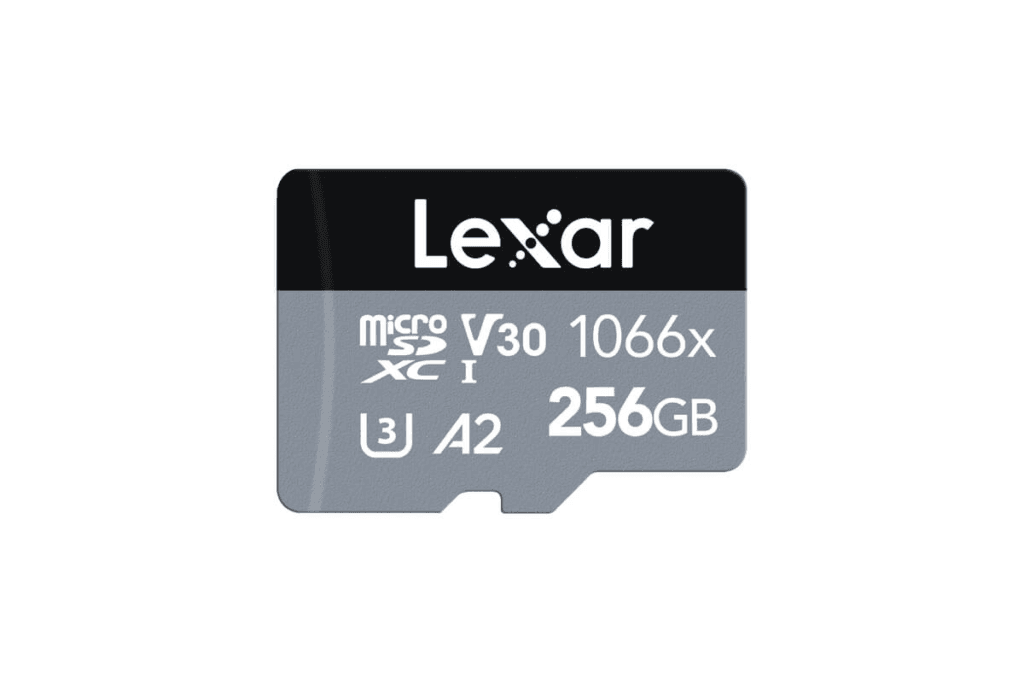
- 512GB / 1TB (High-Capacity Option): Ideal for extended trips—such as multi-day hiking or skiing—when backing up data midway is inconvenient. Provides ample space for continuous 4K recording without worrying about running out of storage.
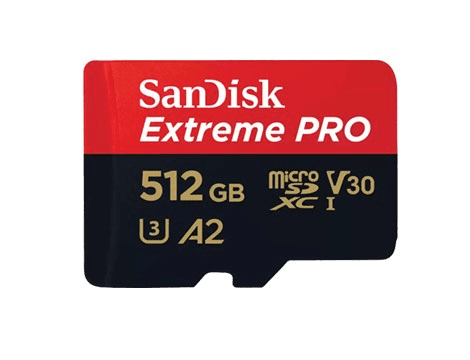
💡 Expert Advice: Rather than splurging on a single expensive 1TB card, I recommend having two 256GB cards as backups. This approach reduces the risk of data loss and provides greater flexibility in cost. For most users, 256GB or 512GB strikes the perfect balance between recording time and budget.
[Top Picks] 3 Best Memory Cards for DJI Osmo Action 6
It’s worth noting that DJI’s official website offers SD memory cards from three major brands: Lexar, Kingston, and SanDisk, available in 64GB, 128GB, and 256GB capacities. For 256GB cards, Lexar is the recommended choice due to its performance and reliability.
[DJI Official Recommendation] Lexar Professional Silver Plus
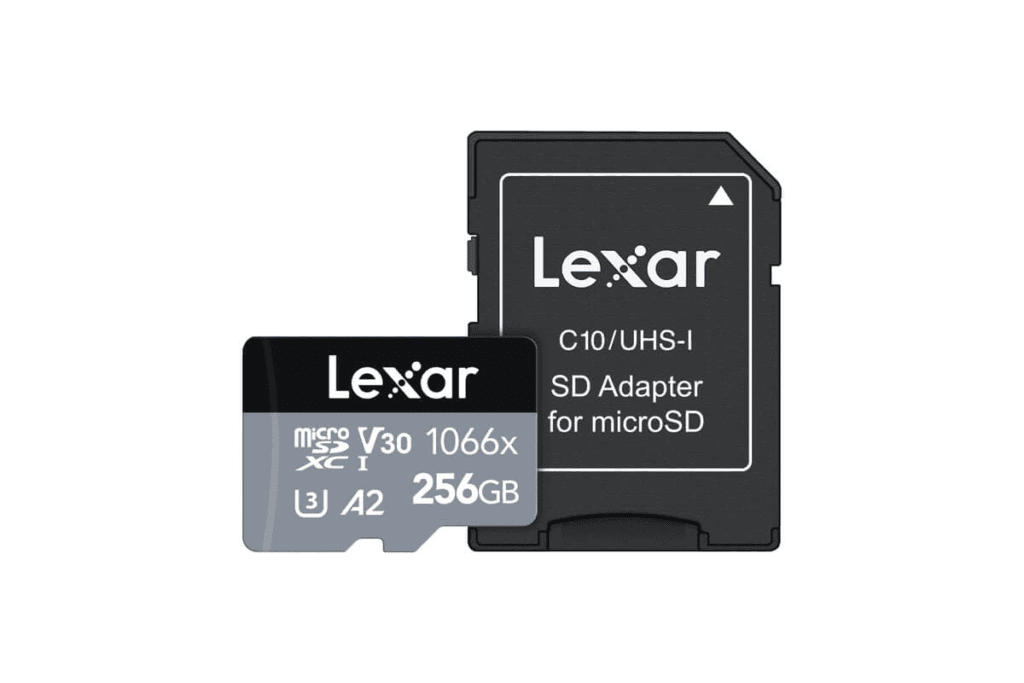
- Advantages: With industry-leading transfer speeds, it is a top choice for professional photographers and videographers.
- Suitable for: Ideal for 4K/120fps extreme sports and 32x slow-motion recording, offering ultra-fast data transfer speeds for quick import to your computer.
| Capacity | Price | Specification | Approx. 4K60fps Recording Time 4K60fps |
| 64 GB | Not available on DJI official website | U3 / V30 / A2 / U3 / V30 / A2 | ~1 hour 25 minutes |
| 128 GB | Not available on DJI official website | U3 / V30 / A2 / U3 / V30 / A2 | ~2 hours 51 minutes |
| 256 GB | NTD $859 HKD $229 | U3 / V30 / A2 / U3 / V30 / A2 | ~5 hours 42 minutes |
| 512 GB | Not available on DJI official website | U3 / V30 / A2 / U3 / V30 / A2 | ~11 hours 22 minutes |
| 1 TB | Not available on DJI official website | U3 / V30 / A2 / U3 / V30 / A2 | ~22 hours 44 minutes |
[DJI Official Recommendation] Kingston CANVAS Go! Plus
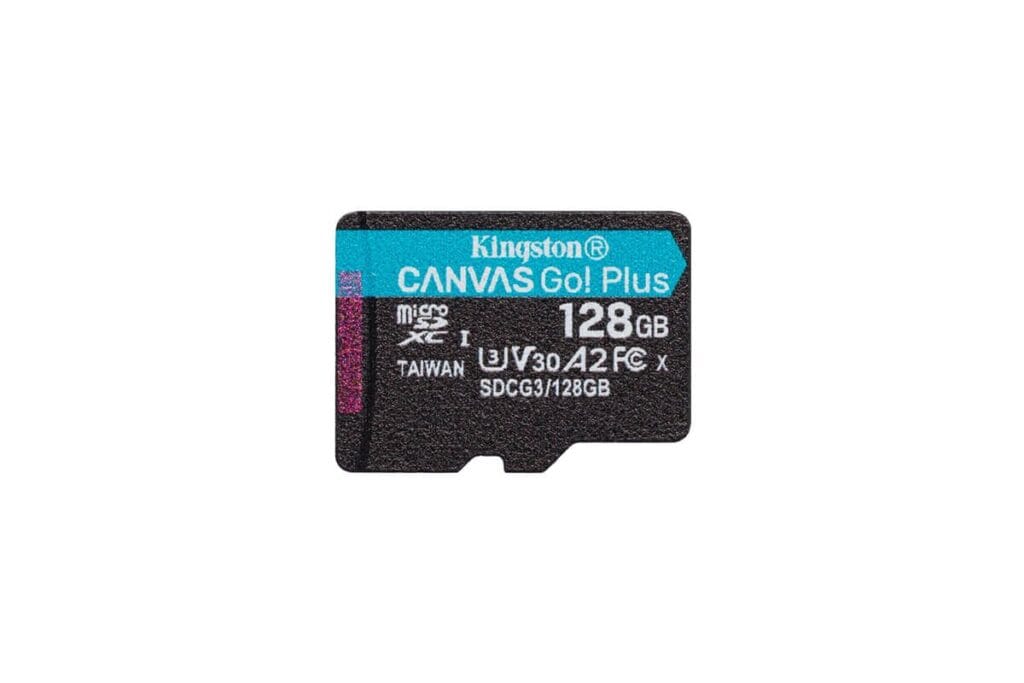
- Advantages: Engineered for action cameras and drones, it offers excellent shock resistance, impact protection, and temperature tolerance.
- Suitable for: Ideal for hardcore users operating in extreme environments, such as polar regions or high-temperature conditions.
| Capacity | Price | Specification | 4K 60fps recording |
| 64 GB | NTD $259 HKD $65 | U3 / V30 / A2 / U3 / V30 / A2 | ~1 hour 25 minutes |
| 128 GB | NTD $399 HKD $99 | U3 / V30 / A2 / U3 / V30 / A2 | ~2 hours 51 minutes |
| 256 GB | Not available on DJI official website | U3 / V30 / A2 / U3 / V30 / A2 | ~5 hours 42 minutes |
| 256 GB | Not available on DJI official website | U3 / V30 / A2 / U3 / V30 / A2 | ~11 hours 22 minutes |
| 1 TB | Not available on DJI official website | U3 / V30 / A2 / U3 / V30 / A2 | ~22 hours 44 minutes |
[Best-Selling] SanDisk Extreme
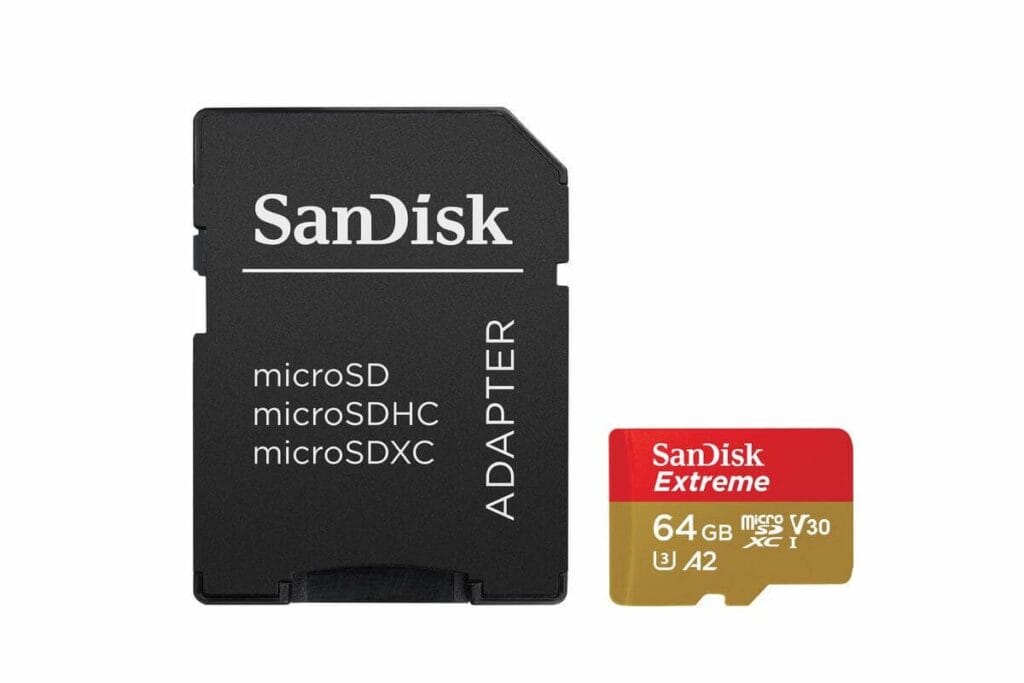
- advantage: It boasts the highest market share and the most stable compatibility.
- Applicable scenarios: Although it may not be listed first on the official list, it is perfectly compatible with Action 6 in actual tests and is recognized as the standard version worldwide.
| Capacity | Price | Specification | 4K 60fps recording |
| 64 GB | NTD $329 HKD $89 | U3 / V30 / A2 / U3 / V30 / A2 | Approximately 1 hour and 25 minutes |
| 128 GB | NTD $499 HKD $149 | U3 / V30 / A2 / U3 / V30 / A2 | Approximately 2 hours and 51 minutes |
| 256 GB | Not available on DJI official website | U3 / V30 / A2 / U3 / V30 / A2 | Approximately 5 hours and 42 minutes |
| 512 GB | Not available on DJI official website | U3 / V30 / A2 / U3 / V30 / A2 | Approximately 11:22 |
| 1 TB | Not available on DJI official website | U3 / V30 / A2 / U3 / V30 / A2 | Approximately 22:44 |
Shooting & Performance Guides
The table below summarizes the storage space required and estimated duration for shooting 4K video with the DJI Osmo Action 6 at different frame rates (30/60/120 fps). It is recommended to have at least a 256GB memory card to ensure that the creative process is not interrupted due to insufficient space.
SD Card Capacity vs. Filming Duration: A Clear Breakdown
The most recommended option is a 256 GB memory card.
| Memory cardCapacity | 4K 30fps recording | 4K 60fps recording | 4K 120fps recording | use |
| 64GB | Approximately 1 hour and 47 minutes | Approximately 1 hour and 25 minutes | Approximately 1 hour and 17 minutes | Not recommended; actual testing showed it to be far from sufficient. |
| 128GB | Approximately 3 hours and 34 minutes | Approximately 2 hours and 51 minutes | Approximately 2 hours and 35 minutes | Recording for half a day |
| 256GB | Approximately 7 hours and 8 minutes | Approximately 5 hours and 42 minutes | Approximately 5 hours and 10 minutes | Recording short vlogs |
| 512GB | Approximately 14 hours and 16 minutes | Approximately 11 hours and 22 minutes | Approximately 10 hours and 20 minutes | Suitable for long-distance travel vlogs |
| 1TB | Approximately 28 hours and 32 minutes | Approximately 22 hours and 44 minutes | Approximately 20 hours and 40 minutes | Long shot recording |
Battery Life & Continuous Shooting Time: Maximizing Your Footage
In addition to considering the memory card capacity, you should also plan for battery life. If you plan to carry two or more spare batteries and expect the total recording time to exceed 4 hours, it is recommended to have at least a 256GB memory card.
For example, a two-day, one-night hiking trip: if you plan to shoot for 4 hours each day, a total of 8 hours of high-definition footage will require about 512GB of storage space, and you will need 3 batteries to ensure that you have enough power and space during the trip.
| Recording time per battery | Shooting time with three batteries | SD memory card capacity | |
| 4K 30fps recording | Approximately 2 hours and 10 minutes | Approximately 6 hours and 40 minutes | 256GB and above |
| 4K 120fps recording | Approximately 80 minutes | Approximately 4 hours | 256GB and above |
How to Format an SD Card
After purchasing an SD memory card, you must first "format" it on Osmo Action 6.
Step-by-Step Tutorial
- Insert the SD card into the device.
- Swipe down from the top of the screen to open the menu.
- Click "Settings (gear icon)".
- Choose "Save" > "Format".
- Slide to format the SD card.
What 50 GB Means for Your Shots
The DJI Osmo Action 6 boasts a core advantage rarely seen in action cameras—50GB of built-in storage. Even in emergency situations where you forget your SD memory card or your card is full,It can still record approximately 1 hour and 30 minutes of 4K/30fps video using only the built-in memory.
Switching storage locations is also very intuitive: simply tap the storage icon on the screen to quickly switch, giving you greater flexibility when shooting crucial moments.
Essential Tips Before Buying an SD Card for Action Cameras
There are three things to keep in mind when purchasing an SD card for the DJI Osmo Action 6.
- Beware of counterfeit and substandard products and parallel imports.
- Purchase from reputable retailers; buying directly from the brand's official website is highly recommended.
- Check warranty period and support system
How to Spot Counterfeit SD Cards: Practical Identification Methods
How to identify counterfeit products
- The font on the packaging differs from that of genuine products.
- Inferior packaging and printing quality.
- Much cheaper than market price
FAQs
- What is the maximum supported capacity in terabytes (TB)?
The Osmo Action 6 supports microSD cards with a maximum capacity of 1TB.
- Can I use a UHS-II card?
even though UHS-II Memory cards can Osmo Action 6 Used, but INot recommended。
The Action 6’s card slot only adheres to the UHS-I standard. Even if you invest in a premium UHS-II card, the device will only operate at the lower UHS-I speed. This not only fails to unlock the card’s full performance potential but also results in very poor cost-effectiveness. We recommend allocating your budget to a high-quality UHS-I card that meets U3 or V30 standards, or opting for a card with larger storage capacity instead.
- Is it okay to use a cheap, unbranded credit card?
Not recommended. Extremely low-cost, unbranded memory cards often lack clear specification labeling and may even be counterfeit products. These cards can lead to recording failures or data corruption. Always choose memory cards from reputable manufacturers.