



The all-new Insta360 GO Ultra now supports microSD cards, breaking free from the limitations of built-in storage with a maximum expandable capacity of 2TB. Officially recommended microSD cards should comply with UHS-I and V30 standards and support the exFAT file system. The ability to replace microSD cards freely is undoubtedly a significant advantage for users who need to record for extended periods.
However, there are many people who are wondering, "What is the most practical way to choose the capacity of the memory card for GO Ultra?". This review will analyse the differences in recording time, price and practicality between different SD memory card capacities, and help you quickly find the most suitable choice for you.
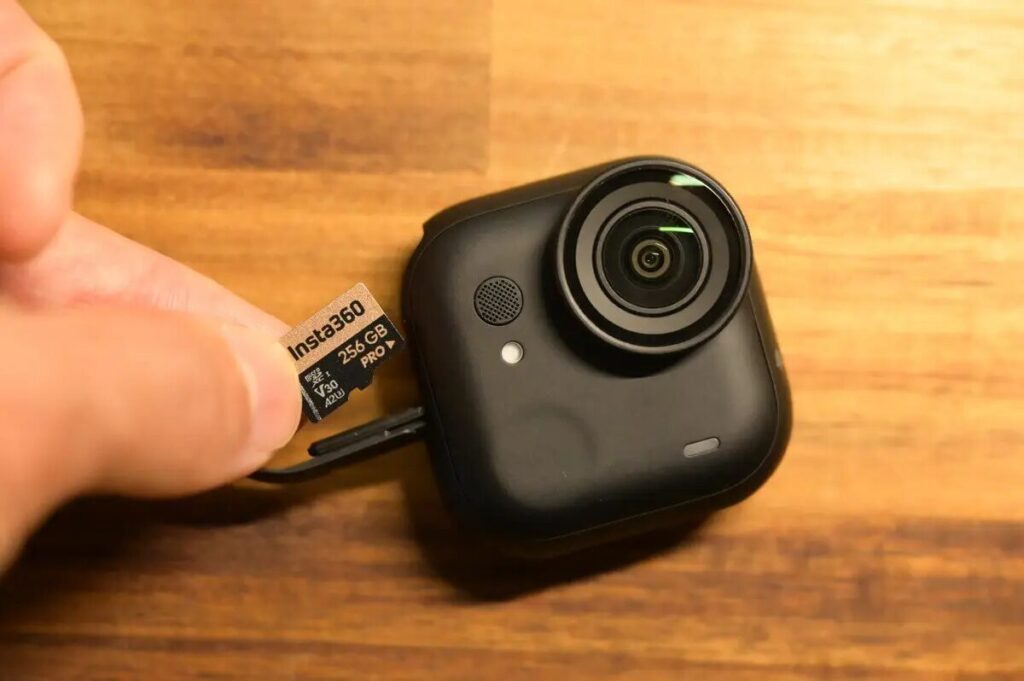
Why Does the GO Ultra Require a Memory Card?
The GO series has a long history of using internal memory, but starting with the GO Ultra, it now supports external SD memory cards.
It means that from now on, you'll have to use it with an SD memory card to store more videos.
Look at Battery Life Before Considering SD Memory Card Capacity
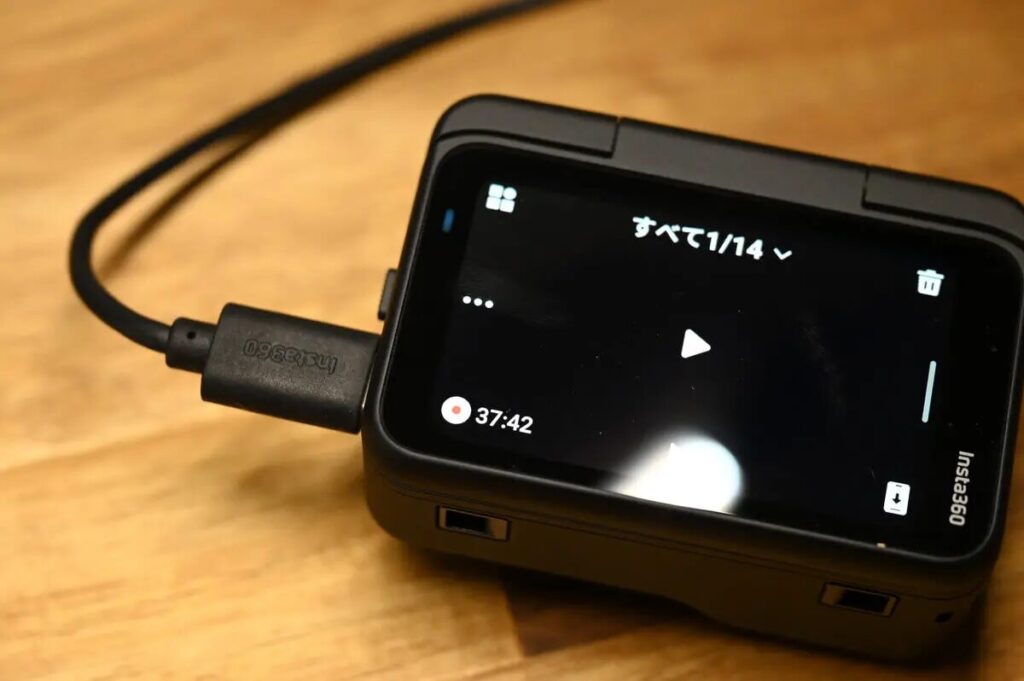
The recording time of GO Ultra at full power is:
| Run Time | |
|---|---|
| 1080P 24fps | About 200 points |
| 4K 30fps | Approx. 170 minutes (approx. 2 hours 50 minutes) |
GO Ultra supports fast charging up to 80% in just 12 minutes. Since you will be recharging your battery several times a day, it is important to have a memory card with enough capacity for long hours and high frequency of shooting. Balancing capacity and price, I'd recommend going with 256GB, which is good for about 8-9 hours of 4K video, which means you'll be able to keep recording without worrying about running out of memory even after the GO Ultra has been recharged twice. .
Below is a comparison of the recording time for each capacity.
| Memory Card Capacity | How much 4K 30fps footage can be saved? | How much 4K 60fps footage can be saved? |
|---|---|---|
| 512GB | 3 points for 20 hours | 16 hours 55 minutes |
| 256GB | 9 hours 47 minutes | 8 hours 15 minutes |
| 128GB | 4 hours and 50 points | 4 hours 5 points |
| 64GB | 2 hours 26 points | 2 hours 3 points |
However, different capacity memory cards have their own advantages and disadvantages. I will analyse them one by one to help you choose the most suitable capacity according to your actual needs👍.
Which SD Card Capacity Is Highly Recommended for the GO Ultra?
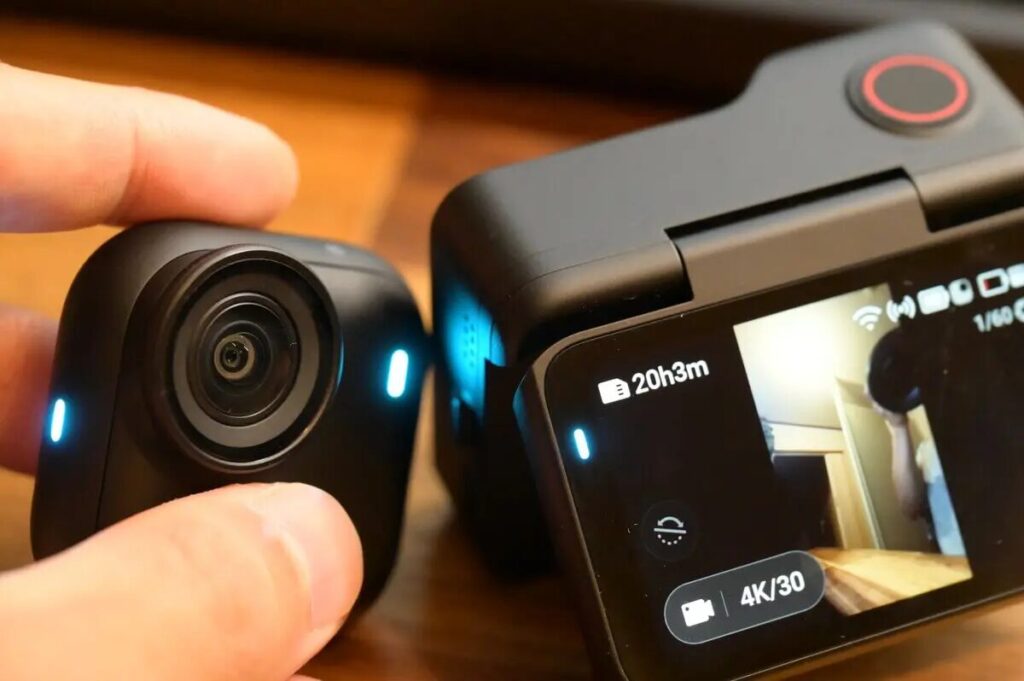
512GB
The 512GB capacity is capable of storing over 20 hours of 4K footage, which is quite impressive. But since the GO Ultra's battery life is limited to about 2 hours of shooting on a single charge, it's hard to use that much capacity in practice. For the average user, this capacity is obviously too much. This class is more suited to high-end models like the Insta360 X5 or Ace Pro 2, which support 8K recording.
| 512 GB | |
| 4K30fps | 20h 3m |
| 4K60fps | 16h 55m |
256GB —Highly Recommended
The 256GB memory card holds approximately 9 hours and 47 minutes of video (4K/30fps). This is the best price/performance ratio for daily vlogging, travelling, and sports recording.
| 256 GB | |
| 4K30fps | 9h 47m |
| 4K60fps | 8h 15m |
Incidentally, the GO 3S only supports up to 128GB of internal capacity, while the GO Ultra can be used with a 256GB SD card, which is significantly more storage space. What's more, the 256GB SD card-capable GO Ultra standard package is only HK$500 / NT$1981 away from the GO 3S after the discount, which is almost a clear indication of the pricing strategy: "Upgrade your GO Ultra directly!
128GB Memory Card
128GB memory card can store up to 4 hours and 50 minutes of video. This is the same capacity that the GO 3S has built-in, which is more than enough for short vlogging sessions. However, since the official price is not much different from 256GB, the price/performance ratio is low.
| 128 GB | |
| 4K30fps | 4 hours and 50 minutes. |
| 4K60fps | 4 hours and 5 minutes. |
64GB
The 64GB capacity is only good for about 2 hours and 26 minutes of video, which is almost as long as the full battery life of the GO Ultra. If you're just shooting a short film or using it for occasional use, this is a good capacity to consider, but if you're going to be recording for a long period of time, 64GB is going to be quite a stretch.
| 64 GB | |
| 4K30fps | 2 hours 26 minutes |
| 4K60fps | 2 hours, 3 minutes. |
Why Is the 256GB Memory Card Recommended?
- Reasonable price, best value for money
- Supports up to 10 hours of 4K filming
- Enough to cover multi-day trips, long vlogs or sports shoots.
- The best fit for the GO Ultra, no need to worry about running out of capacity.
Taking price and usability into consideration, I think the most recommended memory card capacity is 256GB. This capacity strikes the ideal balance between shooting time, price/performance ratio, and daily use. In addition to Insta360's official website, Sandisk and Lexar are also good choices for memory cards (UHS-I, V30, etc.), but the most recommended is to buy directly from Insta360's official website to ensure that there is no risk of a dead card.
| 512GB | 256GB Memory Card | 128GB Memory Card | 64GB | |
| 4K30fps | 20 hours, 3 minutes. | 9 hours, 47 minutes. | 4 hours 50 minutes | 2 hours, 26 minutes. |
| 4K60fps | 16 hours, 55 minutes. | 8 hours 15 minutes | 4 hours 5 minutes | 2 hours 3 minutes |
| Official Prices | NTD $1,879 HKD $439 USD $54.99 | NTD $10,59 HKD $239 USD $29.99 | NTD $839 HKD $199 USD $24.99 | Stop selling |
Insta360 Buying Guide Conclusion
One of the biggest upgrades to the GO Ultra compared to the GO 3S is the removal of the "full built-in storage" design, which instead supports the insertion of an SD memory card.
This means that users can extend their shooting time by replacing the SD memory card, avoiding the need to frequently delete camera footage or transfer videos externally in order to save storage space, which is especially friendly to users who need to record vlogs over a long period of time.
In addition to the memory card, GO Ultra also comes with a number of upgrades compared to GO 3S, such as improved image quality, longer battery life, and new accessories. If you're thinking of getting the GO Ultra, please check out our GO Ultra vs GO 3S review, which will provide you with useful reference and advice when you're thinking of getting the GO Ultra👍.
