



Many users who are considering the Insta360 GO 3S often struggle with which storage capacity is the best choice. Through this in-depth GO 3S capacity review, we will analyze the pros and cons of each storage option, helping you quickly find the GO 3S model that best fits your needs — so you can make a confident and informed buying decision 👍
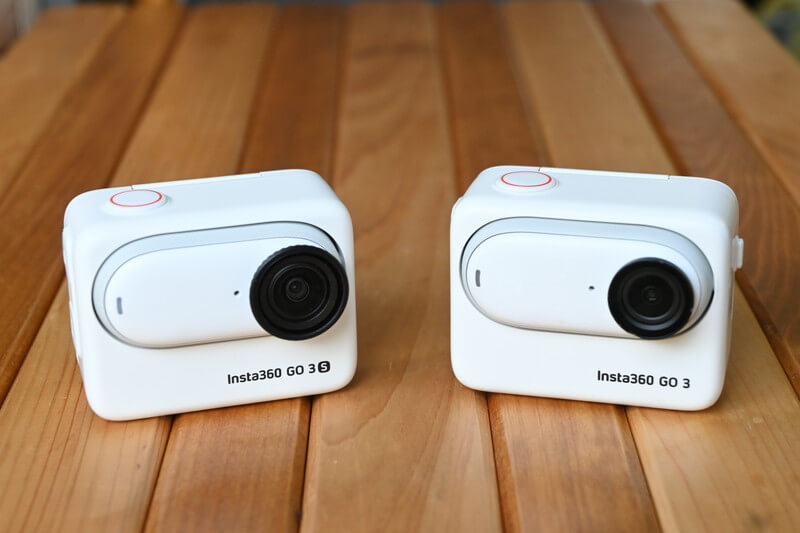
Most Popular GO 3S Capacity Options -- 128GB
| GO 3S | GO 3 | |
|---|---|---|
| 32GB | – | HK$3,149 NT$13,999 |
| 64GB | HK$3,149 NT$14,999 | HK$3,149 NT$14,799 |
| 128GB | HK$3,459 NT$16,999 | HK$3,149 NT$15,999 |
Conclusion first: The most popular version of the Insta360 GO 3S right now is the 128GB model.
The previous-generation Insta360 GO 3 was available in 32GB, 64GB, and 128GB storage options. According to information from the official Insta360 website, even with the 2.7K GO 3, many users still chose the 128GB version. With the upgrade to 4K on the GO 3S, it’s very likely that even more users will continue to prefer the 128GB storage option.
By the way, DJI’s Action series also introduced a 128GB version in 2024. This clearly shows that major camera brands have recognized the growing importance of large-capacity storage for action cameras and 4K video recording.
\ Purchase using the link on this site, you can get a special gift, while stock lasts/
Insta360 GO 3S Product Information
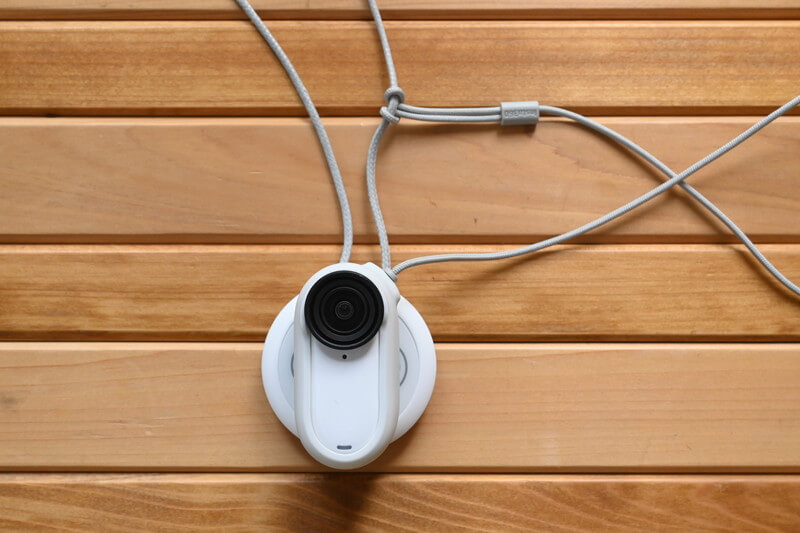
Before diving into the Insta360 GO 3S storage options, let’s first take a quick look at what kind of camera the GO 3S is. Since different shooting needs require different amounts of storage, it’s important to review the basic product information of the GO 3S before deciding which capacity is right for you.
4K Quality
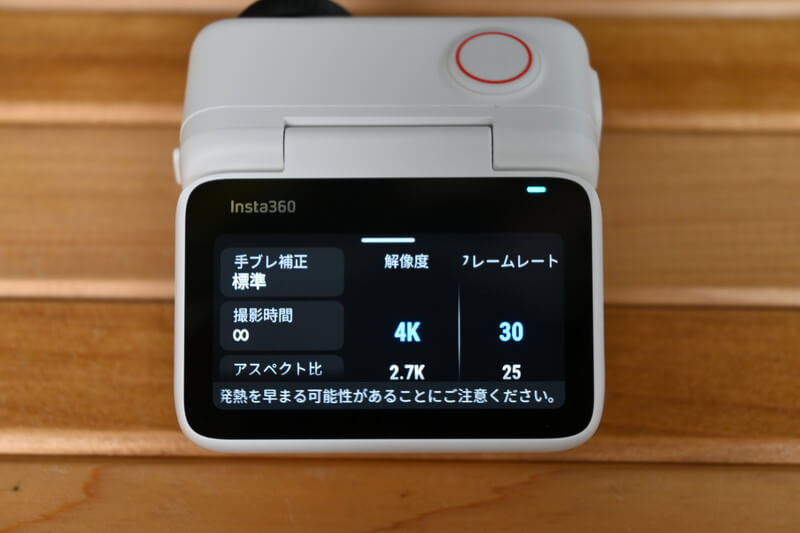
Compared to the previous Insta360 GO 3, the GO 3S upgrades its video resolution from 2.7K to 4K. Simply put, it is a GO 3 with true 4K image quality.
However, the maximum frame rate for 4K video is limited to 30fps, so compared with recently released action cameras such as Ace Pro 2 and GoPro HERO 12, the actual storage consumption is relatively lower.
For reference, both the GoPro HERO 12 and Insta360 Ace Pro 2 can record 4K at 120fps. Just the 4K120fps mode alone can consume up to four times more storage. In comparison, even a smaller storage capacity on the GO 3S is generally sufficient.
Reasons to Travel Vlog
The GO 3S features a unique thumb-sized camera design and a convenient magnetic mounting system, making it an ideal camera for Vlog shooting.
When it comes to action cameras, many people might think they are only useful for capturing extreme sports. However, the GO 3S excels at easily recording travel moments, thanks to its compact and convenient design. Even if you’re not an extreme sports enthusiast, the GO 3S remains an ideal camera for anyone to enjoy Vlog shooting.filming.
Reasons to recommend it over a sports camera
For many users, the GO 3S actually offers more versatile usage scenarios than typical action cameras.
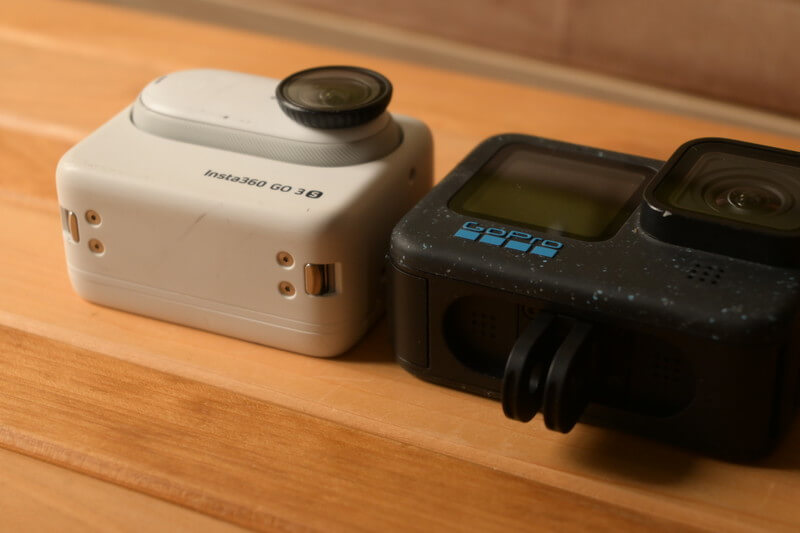
Cameras like the GoPro, with their powerful action capabilities, can feel a bit overkill for someone like me who isn’t a professional or doesn’t frequently engage in extreme sports. This makes choosing between the 64GB and 128GB GO 3S a tough decision, as you naturally ask yourself: “Will I really use it for long recording sessions?” In the end, I chose the largest 128GB capacity, mainly because once you own the GO 3S, the camera’s storage cannot be expanded via an SD card.
\ Use the link on this site to get a free gift, while stocks last /.
GO 3S is not expandable
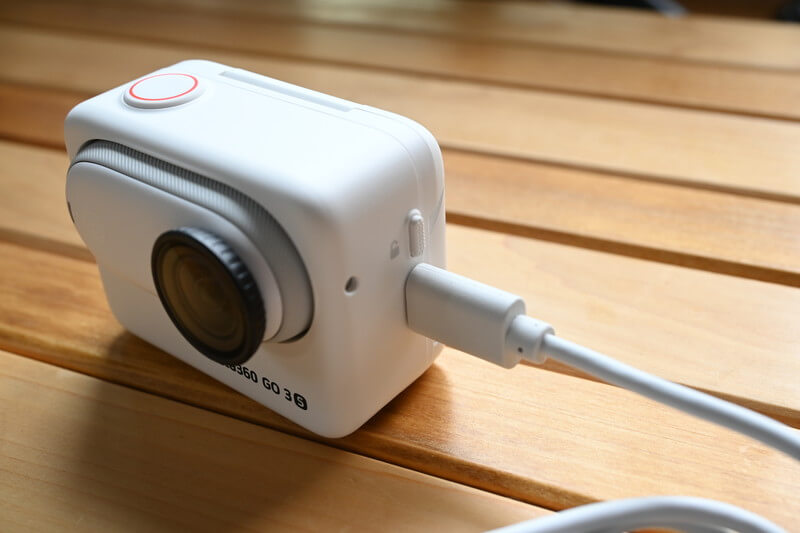
The GO 3S emphasizes ease of use, which is why it comes with built-in storage. More precisely, considering the camera’s water resistance and durability, integrated memory is a more suitable choice.
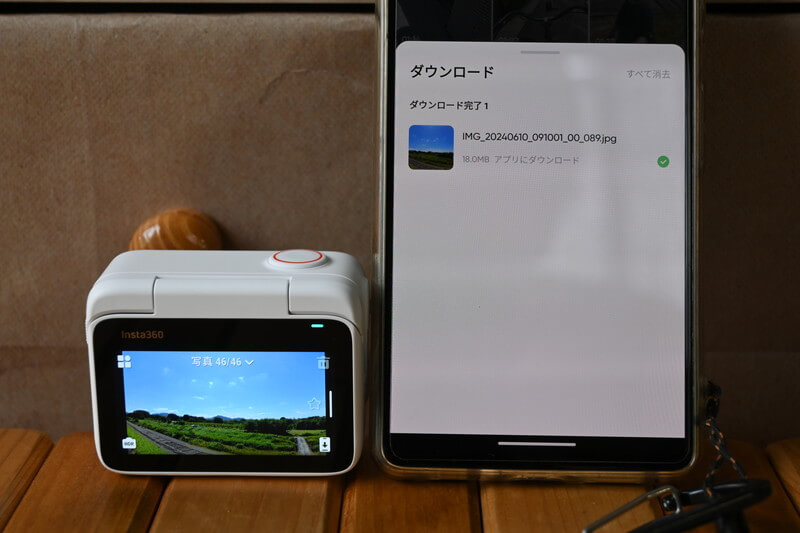
Since there’s no need to insert an SD card, transferring videos recorded with the GO 3S via the Insta360 APP is very simple and smooth. Personally, I don’t find the built-in storage to be inconvenient at all.
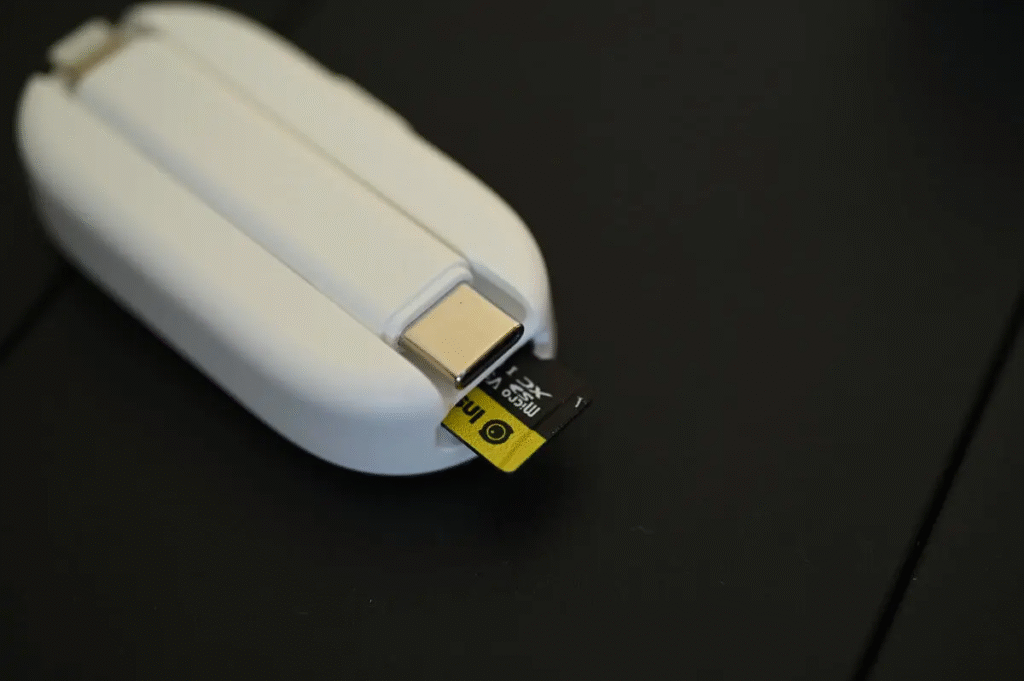
If you want to expand the GO 3S storage with an external SD card or manage and transfer video files more conveniently, it is recommended to use or prepare the GO 3S Flash Drive Companion. Simply connect it to your phone or computer, and you can transfer footage without needing Wi-Fi.
The difference between 64GB and 128GB
| GO 3S | GO 3 | |
|---|---|---|
| 32GB | – | HK$3,149 NT$13,999 |
| 64GB | HK$3,149 NT$14,999 | HK$3,149 NT$14,799 |
| 128GB | HK$3,459 NT$16,999 | HK$3,149 NT$15,999 |
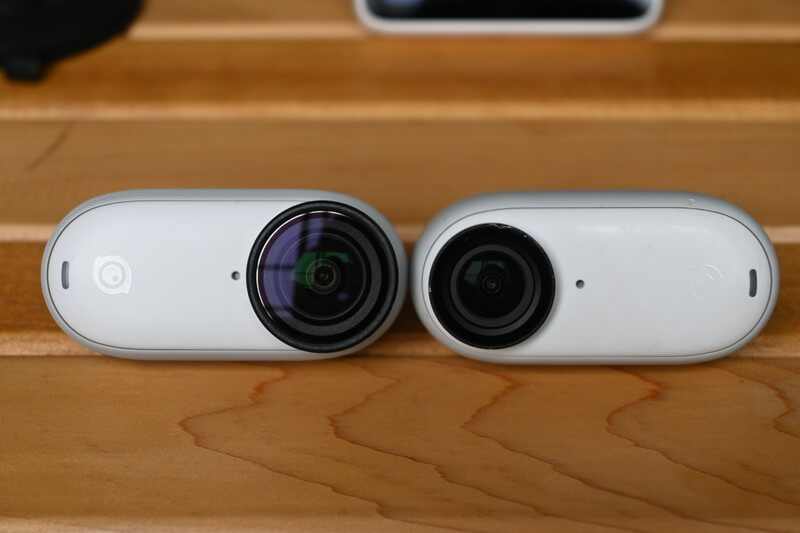
The GO 3 offered a 32GB storage option, but this capacity has been removed in the 4K-capable GO 3S, indicating that relatively few users choose the smaller storage version.
The price difference between the 64GB and 128GB GO 3S is NT$2,000, while the previous-generation GO 3 had a NT$3,000 difference. In this regard, choosing the 128GB GO 3S is actually more cost-effective than the GO 3.
The memory capacity of GO 3S is 64GB/128GB. As part of the space is used for system files, the remaining space available for file saving is about 59.6GB/119.2GB.
According to the Insta360 official website, although the GO 3S is labeled as 64GB and 128GB, after accounting for system files, the actual usable storage is 59.6GB and 119.2GB, respectively. So even if you choose the 64GB version, the usable space is only about 59GB, making the larger 128GB option even more worthwhile. With the launch of the GO Ultra, the GO 3S is now available at a limited-time special offer — a perfect opportunity to grab it.
\ Use the link on this site to get a free gift, while stocks last /.
4K Recording Capacity
My 128GB GO 3S can record for approximately 3 hours continuously at 4K 30fps.
Whether this 3-hour recording time is considered long or short depends on personal perspective. I used it on a 10-day trip, and next, I will share my experience using the GO 3S during this journey.
How much material can I record when travelling with my GO 3S for 10 days?
I took the GO 3S on a 10-day trip to Okinawa and captured all of this footage~
Photos 12
Time-lapse videos 5
Few seconds to 30 minutes 80.
After recording all this footage, my GO 3S could still capture about 38 minutes at 4K 30fps. The 128GB storage recorded dozens of videos over 10 days, using roughly four-fifths of the total capacity. Therefore, for me, 128GB is just the right amount of storage.
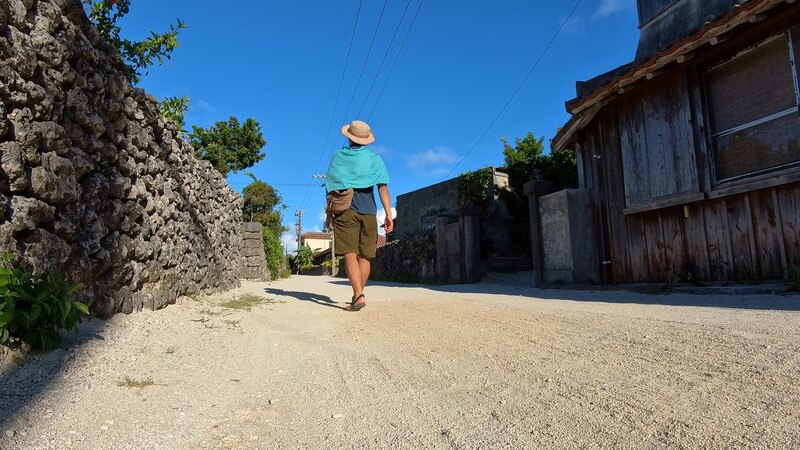
I own more than a dozen action cameras and have considerable experience in video production and editing. As a result, I can selectively capture the footage I need and naturally avoid unnecessary repeated shots, so even on a 10-day trip, I didn’t fully use up the GO 3S storage. Considering this, for those less familiar with Vlog recording, the 128GB capacity could be filled within just a 2–3 day short trip.
With this in mind, I personally recommend the 128GB version over the 64GB version.
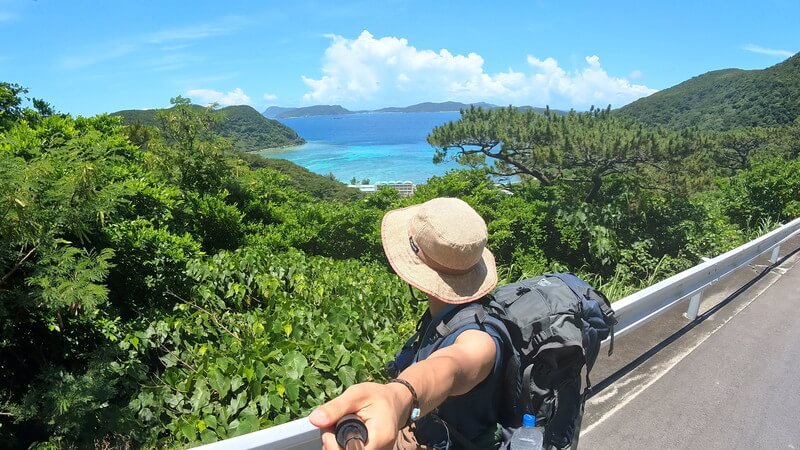
The photo above ⬆️ was also cropped from a GO 3S video. If you often crop photos from videos, it’s worth considering whether you will use the GO 3S to store photos before making a purchase. Based on this need, I highly recommend choosing the 128GB GO 3S. I hope this review helps you make a more informed decision before getting your GO 3S~
\ Use the link on this site to get a free gift, while stocks last /.