



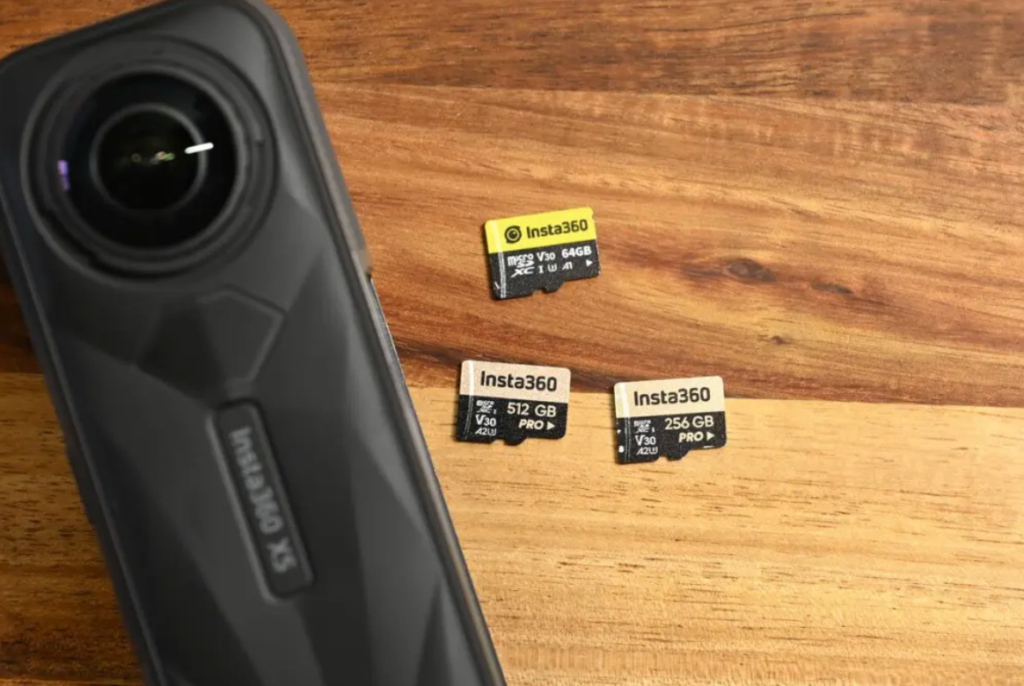
Compared to the previous-generation X4, Insta360 X5 has achieved a significant advancement in microSD card writing performance: In actual tests under the same shooting settings, the file size generated by the X5 is approximately 20% smaller than that of the X4. This equates to extended shooting time and reduced reliance on ultra-high-capacity memory cards. Based on my over three years of hands-on experience with panoramic cameras, this review will provide practical microSD card purchasing strategies and recommendations for the X5 from two core perspectives—cost-effectiveness and usability. It helps you quickly select the most suitable microSD card, enhancing shooting efficiency and streamlining backup management.
Use this link to get a free gift, while stocks last.
- Which SD memory cards are available for Insta360 X5?
- 64~512GB Which capacity to choose?
- What do I need to know when buying a micro SD card Brand Recommendation?
- Why don't you recommend getting a cheap micro SD card?
First of all, you need to understand the following 3 key points before purchasing an SD card.
- What capacity memory cards can be used on the Insta360 X5?
- What is the difference between X5 and X4 in terms of film capacity?
- Do I need to subscribe to Insta360+
SD Memory Card Capacities for Insta360 X5
Firstly, let's look at the capacity of the SD memory card that the Insta360 X5 is compatible with.
First, convey the conclusion., My personal recommendation for the X5 is to use SanDisk's "Extreme" series SD memory cards or those sold on the Insta360 website.Genuine Memory Cards。Note that SanDisk Sandisk's entry series is "Ultra" not "Extreme".
The main difference between the Extreame and Ultra series is their read and write speeds, according to Insta360's official website., Memory cards compatible with X5 should have read/write speeds of "V30" or "U3" or higher, making them more suitable for Sandisk "Extreme" series memory cards.
Recommended UHS-I V30 speed grade and above, exFAT (FAT64) format, maximum storage capacity 1TB
X5 Official Service and Support
Sandisk's "Ultra" series memory cards are relatively inexpensive, and many people consider buying this series. However, it should be noted that the specifications of this series of memory cards are below the standard requirements. When used for shooting panoramic videos, it cannot be guaranteed that the data can be written stably and normally, and there is a risk of data loss or recording interruption.
In some reviews, it is recommended to use memory cards with a speed class of V30 or higher for 4K video recording, and V90 or higher for 8K video. However, considering that the Insta360 X5 is equipped with an automatic video compression feature that effectively reduces file sizes, a memory card with a speed class of V30 or higher is sufficient to meet all shooting needs in practical use.
- Velocity Class V30 and above
- The transmission speed is UHS-I
- Maximum Storage Capacity 1TB
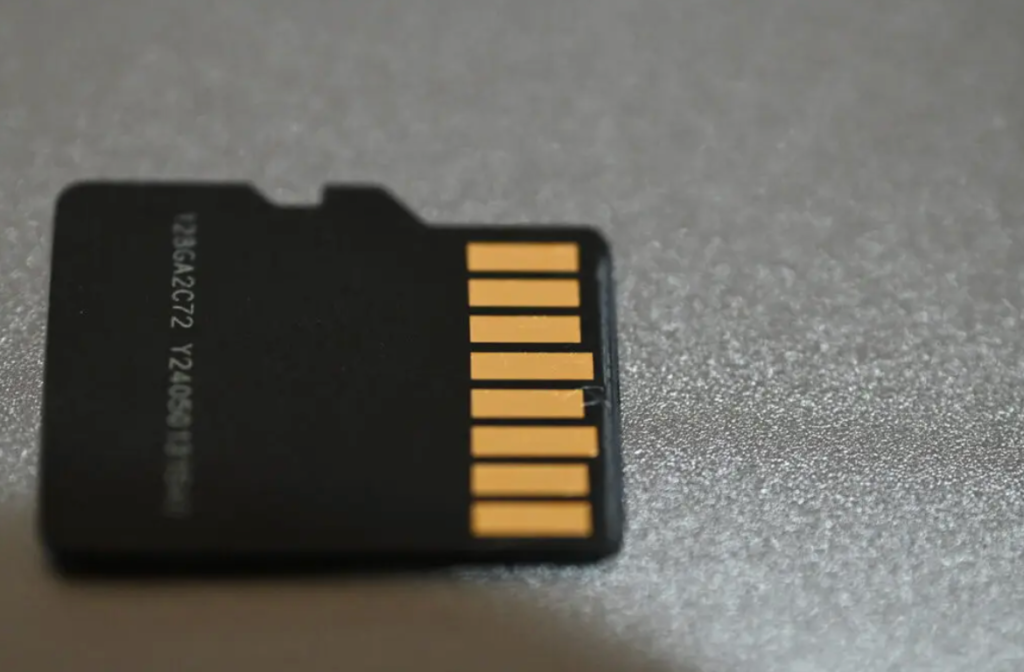
It should be noted that UHS-II memory cards are not compatible with the Insta360 X5.
Video Read/Write Differences Between Insta360 X5 and X4
One significant upgrade of the X5 deserves special mention: the new-generation Insta360 X5 comes with a built-in video compression feature. Even when shooting in 8K resolution, it offers approximately 20% more storage capacity compared to the X4. As the video file size decreases, the bitrate also reduces accordingly. This not only minimizes storage space usage but also significantly enhances the smoothness and efficiency of post-production editing.
| X5 | X4 | |
|---|---|---|
| The File Size of a 1-Minute Video | 1.2GB | 1.5GB |
| bitrate | 120Mbps | 150Mbps |
| The File Size of a 30-Minute Video | 28.4GB | 34.4GB |
When shooting a 30-minute 8K video under the same conditions, a comparison shows that the file size of footage captured by the X4 is 1.21 times that of the X5.
Shooting with the Insta360 X5 not only significantly saves storage space but also enhances video transfer and editing efficiency. I consider this a highly commendable technological breakthrough—it offers immense value to content creators who pursue high image quality and efficiency.
Subscribe to Insta360 + Say Goodbye to Memory Anxiety
Insta360+ offers cloud storage space ranging from 200GB to 2TB. Whether to subscribe to a paid cloud storage plan is also a factor worth considering before purchasing the camera. Even the 200GB cloud storage option can reduce the demand for microSD card capacity to a certain extent, thereby saving the cost of buying a higher-capacity memory card.
Compared to 64GB or 128GB options, my personal recommendation is that a 256GB microSD card is far more suitable for the Insta360 X5 for video recording during short trips of 2 to 3 days. Even if you need to subscribe to the cloud storage service available via Insta360+, I still recommend getting a 256GB microSD card. This way, you can strike a perfect balance between sufficient storage space and flexibility in use.
How to Choose From 64GB to 512GB?
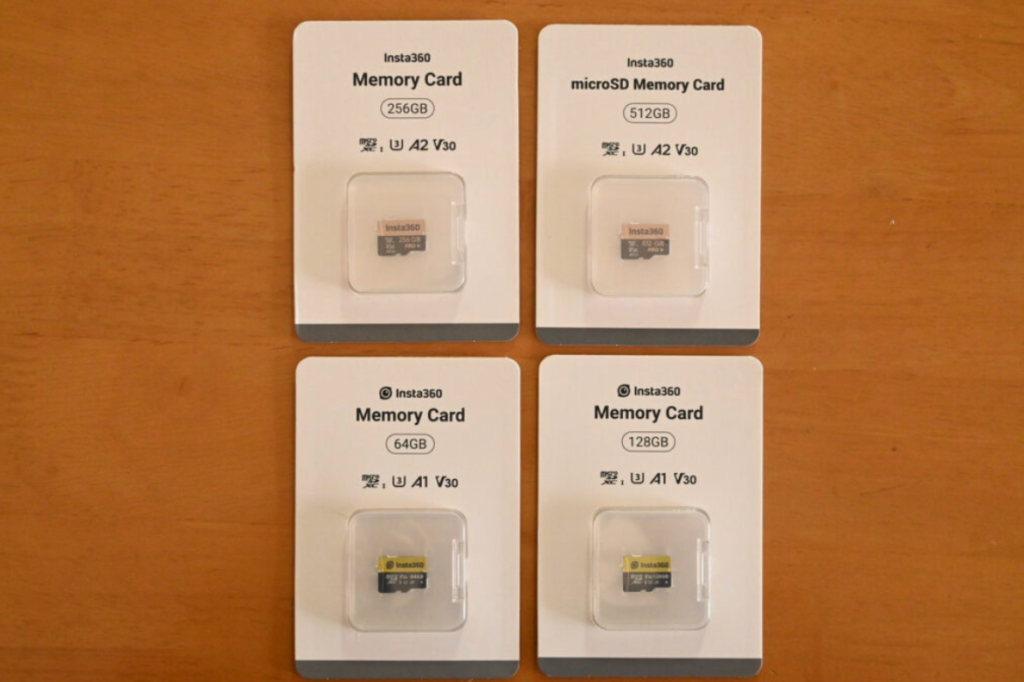
The Insta360 X5 supports microSD cards with capacities ranging from 64GB to 512GB. Below is a table summarizing the available recording duration for each capacity to facilitate your reference. If you are an occasional shooter who primarily creates short clips, a capacity between 64GB and 128GB is sufficient for daily use. However, if you frequently engage in high-resolution, long-duration video recording (such as 5.7K panoramic footage, dashcam recording, or travel vlogs), we recommend opting for a 256GB or 512GB microSD card. This effectively prevents the need for frequent memory card replacement or unexpected shooting interruptions.
| 64GB | 128GB | 256GB | 512GB | |
|---|---|---|---|---|
| Price | Stop selling | NTD $839 HKD $199 USD $24.99 | NTD $1,059 HKD $239 USD $29.99 | NTD $1,879 HKD $439 USD $54.99 |
| 8K30fps (5.7K60fps) | 61m | 2h03m | 4h07m | 8h27m |
| 5.7K + 30fps | 1h29m | 3h00m | 6h00m | 12h18m |
| 5.7K30fps | 1h41m | 3h22m | 6h46m | 13h53m |
| 4K60fps (single lens mode) | 2h03m | 4h07m | 8h15m | 16h55m |
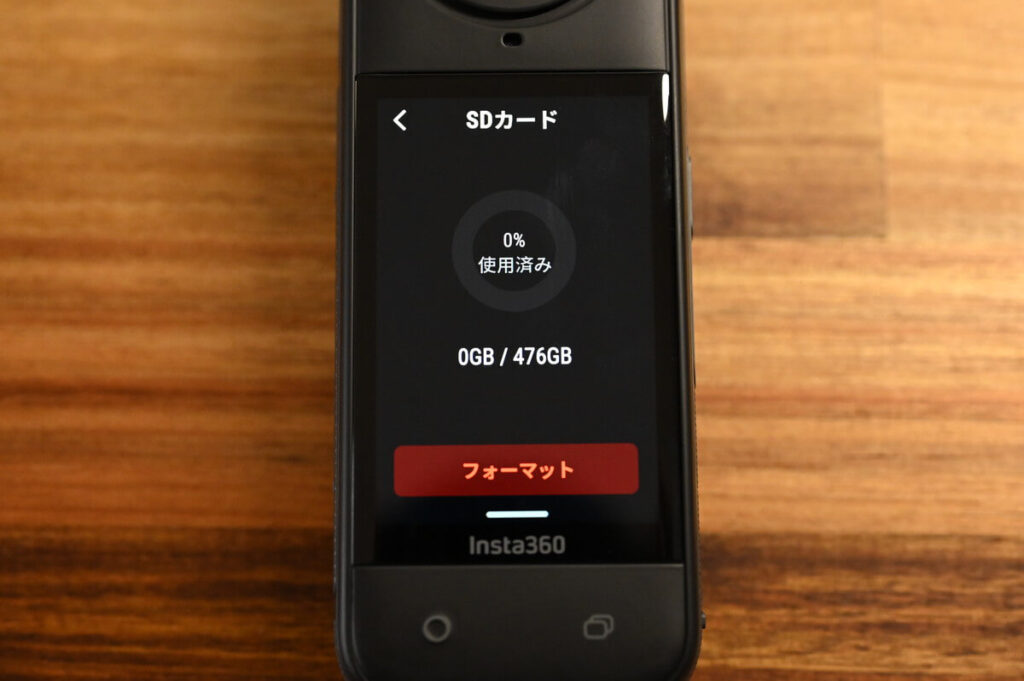
One thing to note is that a typical SD card's actual capacity is about 10% which is not usable, so the real usable space is about 90%. This is a feature of SD memory cards, not a programming error, so don't worry about it.
Next, I will evaluate the recording time of different capacity SD memory cards according to different film resolutions.
Recommended 360 Camera Setup - 8K 30fps Recording
| Battery Life | 64GB | 128GB | 256GB | 512GB | |
|---|---|---|---|---|---|
| X5 (8K30fps) | 1 hour 25 minutes | 61m | 2h03m | 4h07m | 8h27m |
| X4 (8K30fps) | 1 hour 15 minutes | 50m | 1h40m | 3h20m | 6h51m |
Let's take a look at the 8K 30fps performance of the X5, which has a built-in 2400mAh battery, and can record for 1 hour and 25 minutes at this setting. For comparison, I've also included the X4's data as a reference. Since the X5 has successfully "slimmed down" its video in 8K mode, it can record for longer than the X4 under the same conditions, and its battery life and storage efficiency are both improved.
64GB microSD Card
| X5 Battery Life | 64GB microSD memory card for video storage capacity | |
|---|---|---|
| X5 (8K30fps) | 1 hour 25 minutes | 61 minutes. |
The 64GB SD card doesn't even have enough recording time to support the full battery life of the Insta360 X5, so it's not a recommended purchase. Even if you're an Insta360+ subscriber, it's still recommended to go for 128GB or higher to get the best of both worlds.
128GB microSD Card
| X5 Battery Life | 128GB microSD memory card for video storage capacity | |
|---|---|---|
| X5 (8K 30fps) | 1 hour 25 minutes | 2 hours 3 minutes |
Shooting with a 128GB card leaves about a quarter of the card space remaining when the X5 battery is depleted.
Although the 128GB memory card capacity is theoretically enough to store about 2 hours of video, based on my actual experience, it's actually just "just enough". In particular, the Insta360 X5's fast charging support and the option to purchase an optional battery management accessory gives it a huge boost in battery life, which means you can shoot longer and more frequently.
* Due to standard PC architecture, a certain amount of memory is reserved for system usage and therefore the actual memory size is less than the stated amount. Therefore, If you are planning to shoot for a long period of time or are travelling for multiple days, we recommend choosing a card with a capacity of 256GB or more, which will give you more peace of mind and allow you to shoot more happily.
256GB microSD Card
| X5 Battery Life | 256GB microSD memory card for video storage capacity | |
|---|---|---|
| X5 (8K 30fps) | 1 hour 25 minutes | 4 hours, 7 minutes. |
The difference in capacity between 128GB and 256GB is up to 2x, but the price difference is almost the same. 256GB is equivalent to charging the X5 three times, which is a relatively generous amount of capacity for most filming needs.
It's worth noting that the Insta360 X5 Standard Sets and The Universal Kit comes with a 256GB SD memory card. This is the capacity that Insta360 officially recommends. The 256GB microSD card is my favourite choice, both in terms of capacity and price/performance ratio.
512GB microSD Card
| X5 Battery Life | 512GB microSD memory card for video storage capacity | |
|---|---|---|
| X5 (8K 30fps) | 1 time 25 minutes | 8 hours and 27 minutes. |
With a 512GB card, you can record more than 8 hours at 8K resolution, so if you choose this capacity, you can say that no matter how much you shoot, the card will not fill up easily. However, considering the high price of NT$1,879, and the fact that this capacity is always out of stock on the Insta360 website, I personally recommend a 256GB card.
For those who are not considering subscribing to the Insta360+ cloud service, the 512GB is a good choice for those who have a need to transfer large amounts of videos centrally.
5.7K 30fps Video Recording
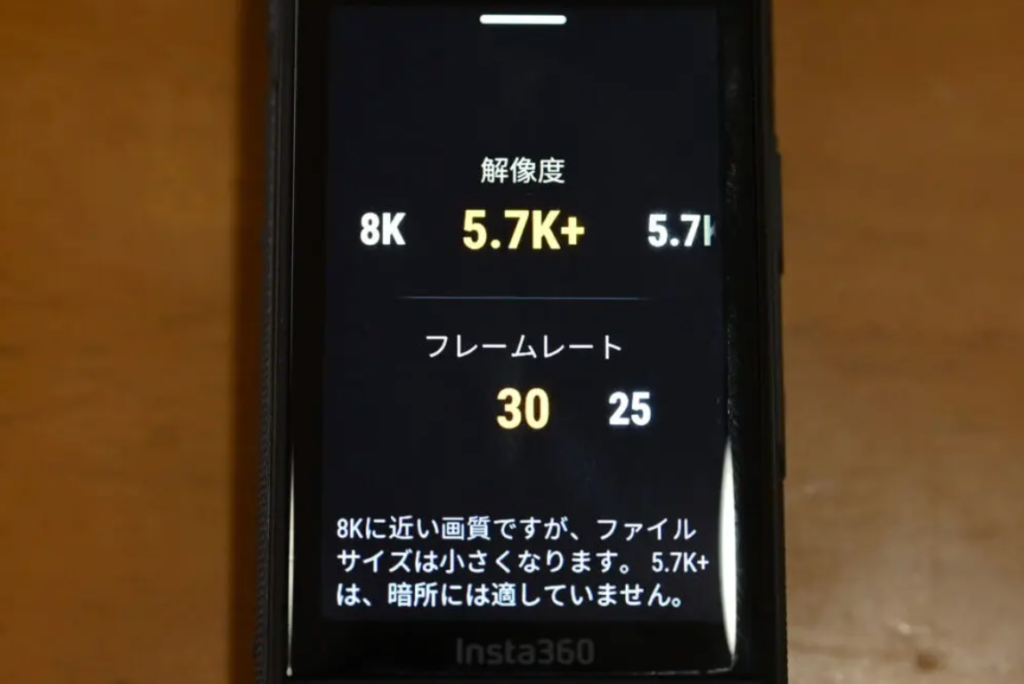
| 64GB | 128GB | 256GB | 512GB | |
|---|---|---|---|---|
| 5.7K+ | 1h 29m | 3h 00m | 6h 00m | 12h 18m |
The Insta360 X5’s 5.7K+ mode delivers image quality nearly on par with 8K, while significantly compressing and reducing data size by comparison. For me, 5.7K+ is an extremely practical setting. If you don’t need 8K resolution and frequently use this mode, a 128GB microSD card will be a more ideal storage option. However, considering the outstanding cost-effectiveness of 256GB microSD cards, it’s hard not to hesitate a little…
My Experience with Memory Cards for the Insta360 X4
With the X4, the 512GB card is enough to last me a whole year. The main use is to record cycling or travelling vlogs, which can take anywhere from a few seconds to a few minutes. I've shot up to 10 minutes of footage when shooting skiing or riding.
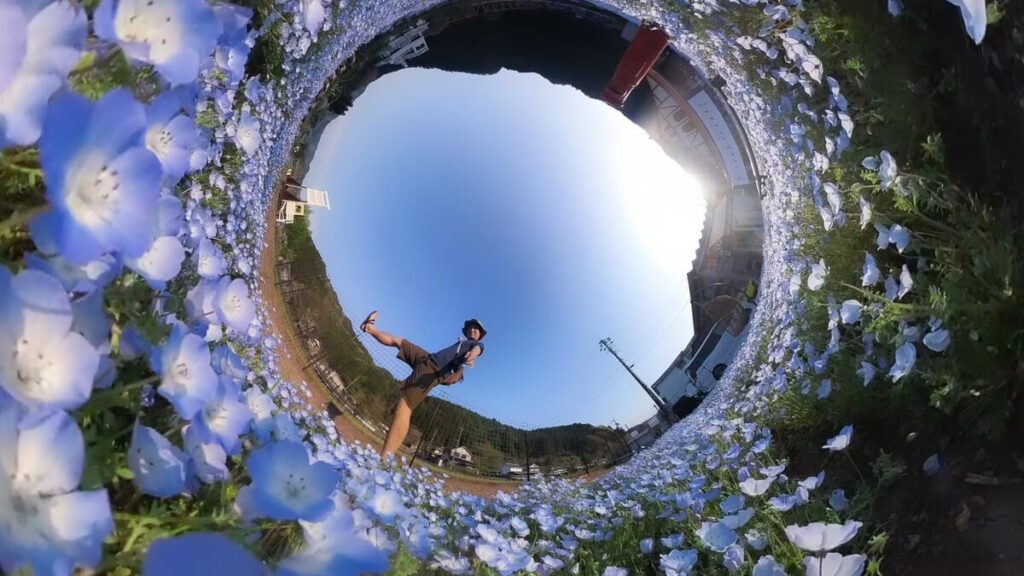
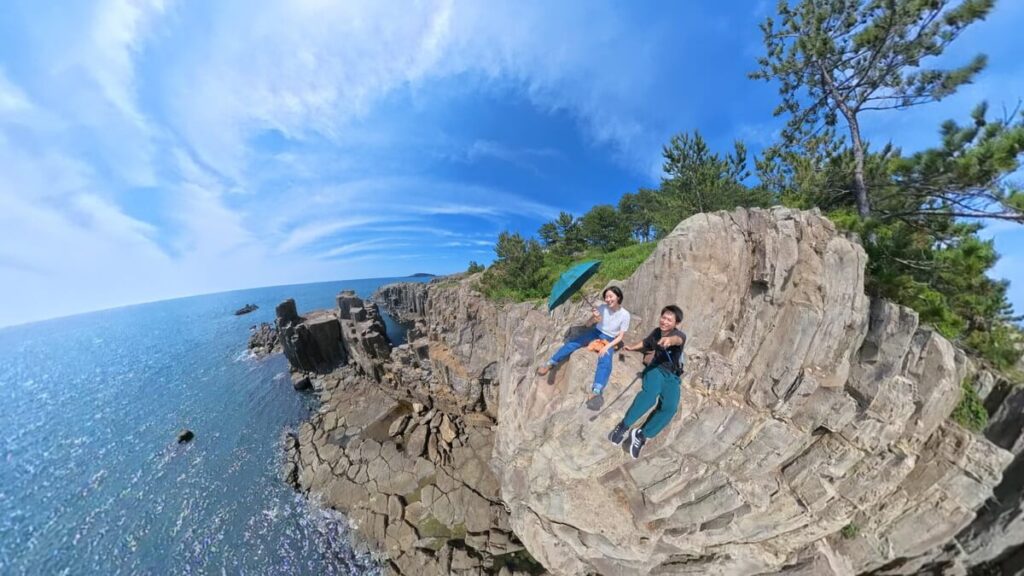
I've been using panoramic cameras since the days of the Insta360 X3 and ONE RS, and I've been using them to record my daily life for more than four years now. I'm familiar with the angle of the selfie stick and the logic of the 360 camera, and I'm able to anticipate the final image. Therefore, in most cases, I can finish recording in a few seconds to a few minutes.
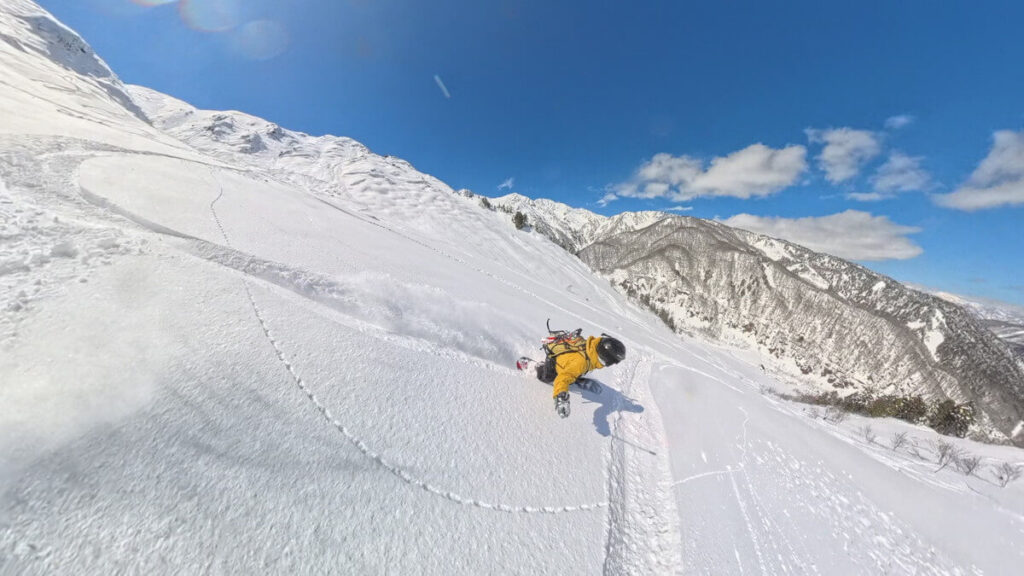
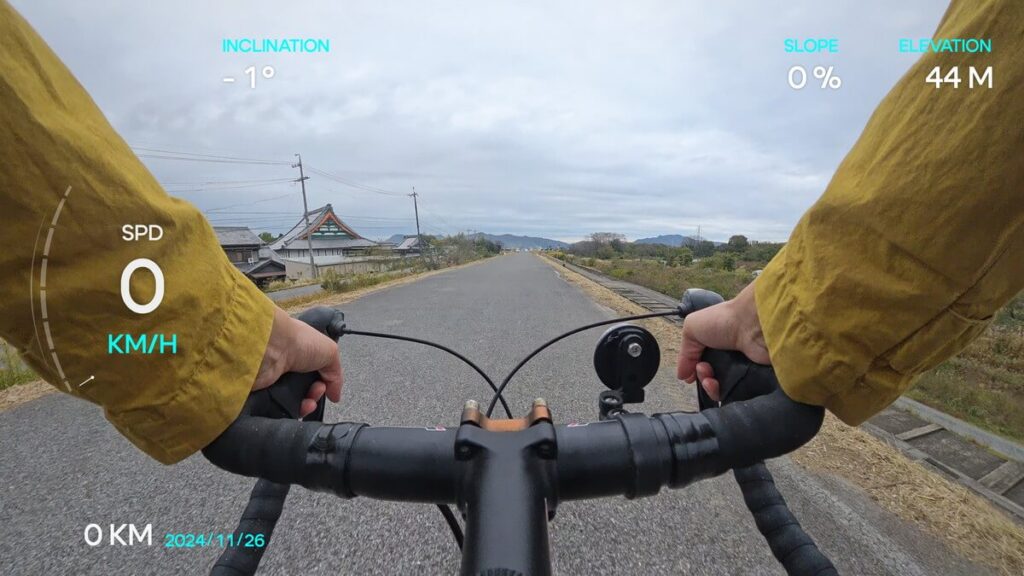
Even for long recordings, such as skiing or cycling, I usually record about 10 minutes. However, motorbike recordings are usually longer than 10 minutes. I have produced a full seasonal video covering Spring 2024 to Spring 2025, which was shot on an X4 and contains various clips as described above.
By taking and deleting videos efficiently, I was able to compress an entire year's worth of recordings onto a 512GB memory card. For those of you who don't regularly clean your SD card, I highly recommend subscribing to the Insta360+ cloud service.
Whether on a PC or a mobile phone, you can easily access the video data, and more importantly, it prevents the SD memory card from becoming cluttered with videos. A whole year's worth of footage can be centrally organised for post-editing, which not only greatly improves editing efficiency, but also improves the experience of using a panoramic camera.
Even if you don't subscribe to the cloud service, as long as the data is saved on a PC or SSD, you can still edit it using PC software, but it's more difficult to do this on a mobile phone.
How to Install an SD Memory Card on Insta360 X5?
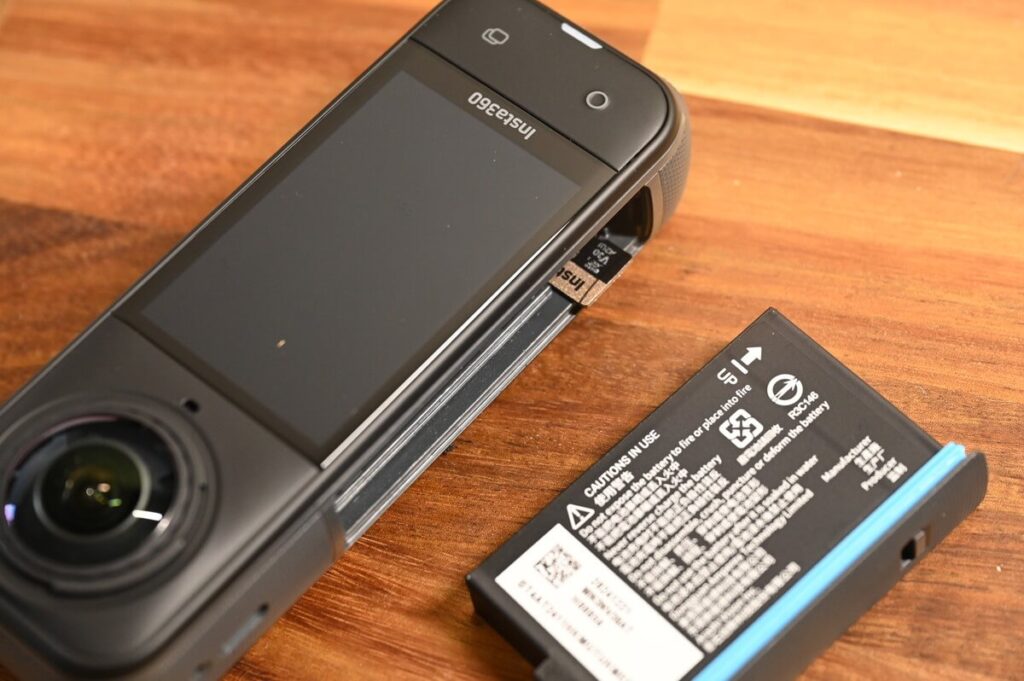
After removing the X5's battery you will see the slot for the SD memory card, please press it until it clicks to ensure it is properly installed. When removing the card, simply press the card and it will automatically eject.
microSD Card FAQs
128GB vs. 256GB: Which One Should You Choose?
If you're travelling and shooting 4K video every day, 256GB is recommended, but if you're shooting vlogs every day or just a few tens of minutes a day, 128GB is more than enough.
How Many microSD Cards Do You Need?
It is recommended to have more than 2 cards on you. In order to cope with the risk of running out of capacity or memory card damage during shooting, it is better to have one main card and more than one spare card for peace of mind.
What’s the Difference Between V30 and U3?
In terms of performance, both are guaranteed a "minimum 30MB/s write speed", so the experience is essentially the same.
The difference in labelling is due to the different specification groups they belong to - the V30 is in the "Video Recording Only" specification category, while the U3 is in the "UHS Speed Class" category.
Is There a Difference in the Actual Capacity of SD Memory Cards?
*Since the SD card is not only used to store the material, it also needs to reserve a certain amount of space to store the buffer during the recording process, which takes up about 1-2GB.
X5 Official Service and Support
The actual usable capacity of an SD card is usually less than the labelled capacity. Generally speaking, the actual capacity of an SD card is approximately 90% of the manufacturer's marked capacity.
Do I Need to Format My SD Card Regularly?
SD memory card is a storage medium where data is frequently written to and deleted from. Compared to hard discs (HDDs) or solid state drives (SSDs), which are primarily used for long-term storage, SD memory cards are more prone to "residual" or "junk" data generation during frequent recording and deletion, which may affect read/write efficiency and stability. It is recommended to format the SD card regularly to clear the storage space and maintain optimal performance to ensure a smooth shooting process and secure data storage.
Continuous use in an un-cleaned state may burden the SD card and even affect recording performance. According to Insta360's official recommendations, the X5's SD card should be formatted regularly to extend the SD card's lifespan and maintain long-term stable operation.
It is recommended to regularly transfer camera files to your phone or computer for backup and format the camera’s memory to prevent storage-related issues.
Are There Fake microSD Cards? How to Avoid Them
Whilst Insta360 officially recommends that users get an official card or a SanDisk card, there are a number of inexpensive SD cards from other vendors, so please be aware that there are a lot of fake cards on the market. When buying a card, you need to check the print on the card carefully, as genuine cards will have thicker fonts. If you want to completely eliminate fake cards, buying an SD card from the official Insta360 pipeline is the safest option.
Insta360 Buying Guide Conclusion
There is a fundamental difference between the storage formats of 360° cameras and sports cameras. It is important to note that some inexpensive SD memory cards are labelled "Compatible with Ace Pro 2" and "Compatible with Insta360 sports cameras" in the product description, which does not mean they are compatible with both 360° cameras, X4 and X5.
We recommend that you read the product description carefully to make sure that the memory card matches the storage requirements of your target model. After all, if you choose the wrong SD memory card, you will not be able to save your important videos, and you will miss out on the precious image data, which is really regrettable.
I've had the experience of buying a cheap memory card by mistake, and when I was travelling abroad, one of the cards suddenly failed to save videos, so please consider SanDisk or Insta360's official website when purchasing an SD card for the X5.
You are welcome to place an order through the link of Insta360 website, and the system will automatically give you a free gift according to the product you choose, so don't miss it!
Use this link to get a free gift, while stocks last.
-
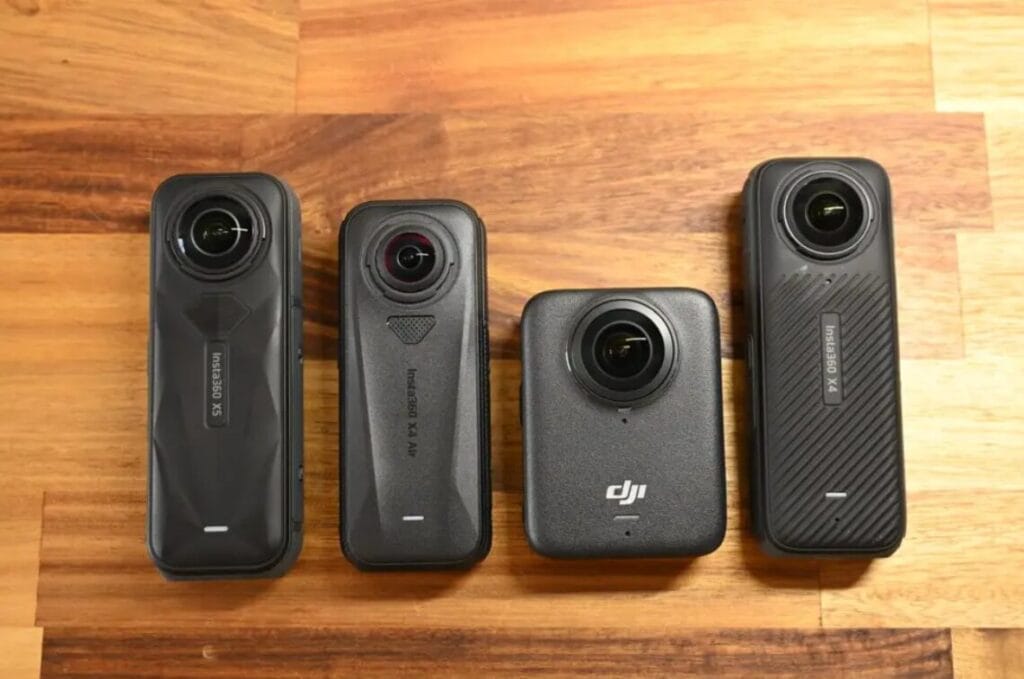
Real-World 360 Camera Test: X5 vs X4 Air vs DJI Osmo 360 (2026 Buying Guide)
-
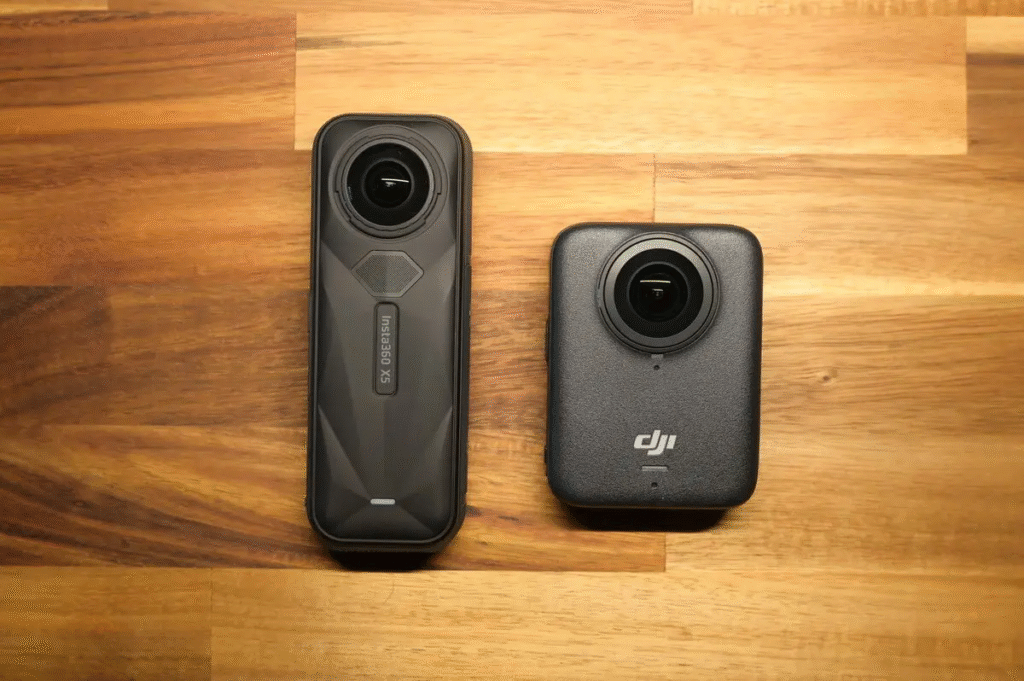
DJI Osmo 360 vs Insta360 X5: Comparison | Choose Your Ideal 360° Camera
-
How to choose an Insta360 panoramic sports camera? | Insta360 X5 vs X4 vs X3
-
Best SD Cards for Insta360 X5: Capacity, Speed, and Top Brands & Models
-
Top 20 Insta360 X5 Accessories: Essential Gear for 360° Shots
-

Insta360 X5 Overheating: Is It Normal? | 7 Solutions + Heat Control Grip Test Results